DA16600 FreeRTOS Getting Started with EVK
© 2021 Dialog Semiconductor
1. At the [MROM] prompt, type loady 23000. See Figure 17.
NOTE
The RTOS address map register depends on the flash memory size. Therefore, the address must be 0x23000
for boot index 0 or 0x1E2000 for boot index 1. In this case, at the [MROM] prompt, type loady 23000 or
loady 1e2000.
For more details, see DA16200 SDK Programmer Guide [4].
Figure 17: Main Image Prompt on Command Window
2. Go to File > Transfer > YMODEM > Send to select the <Main image> file.
See Figure 18.
○ For example: DA16600_FRTOS_GEN01-XX-YYYY-ZZZZZZ.img
Figure 18: Load Image File
8.4 DA14531 Image
This <DA14531 image> is downloaded to DA14531 during booting sequence.
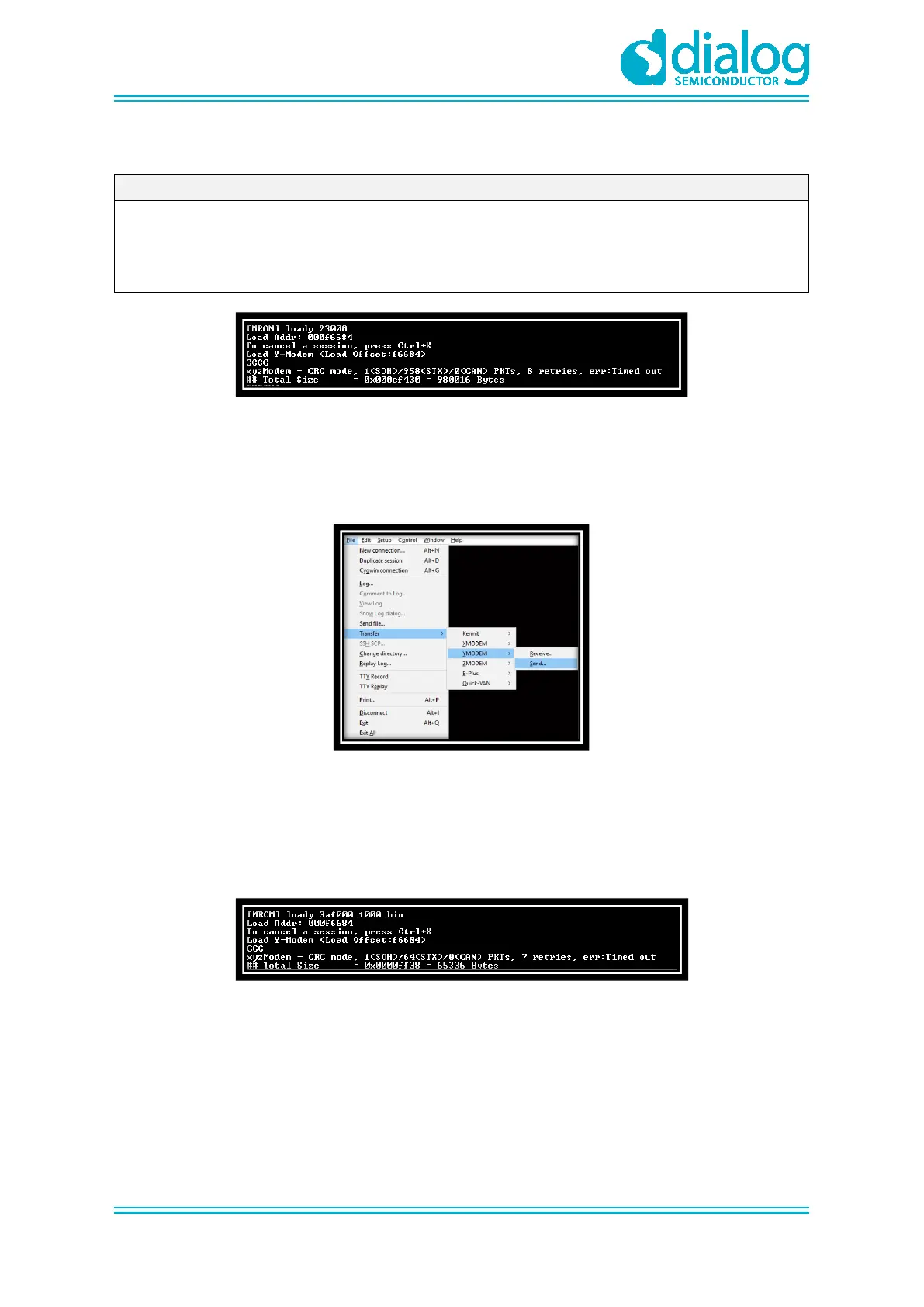
1. At the [MROM] prompt, type loady 3ad000 1000 bin. See Figure 19.
Figure 19: DA14531 Image Prompt on Command Window
2. Go to File > Transfer > YMODEM > Send to select the <Main image> file.
○
For example: da14531_multi_part_proxr.img



 To Next Page