DA16600 FreeRTOS Getting Started with EVK
© 2021 Dialog Semiconductor
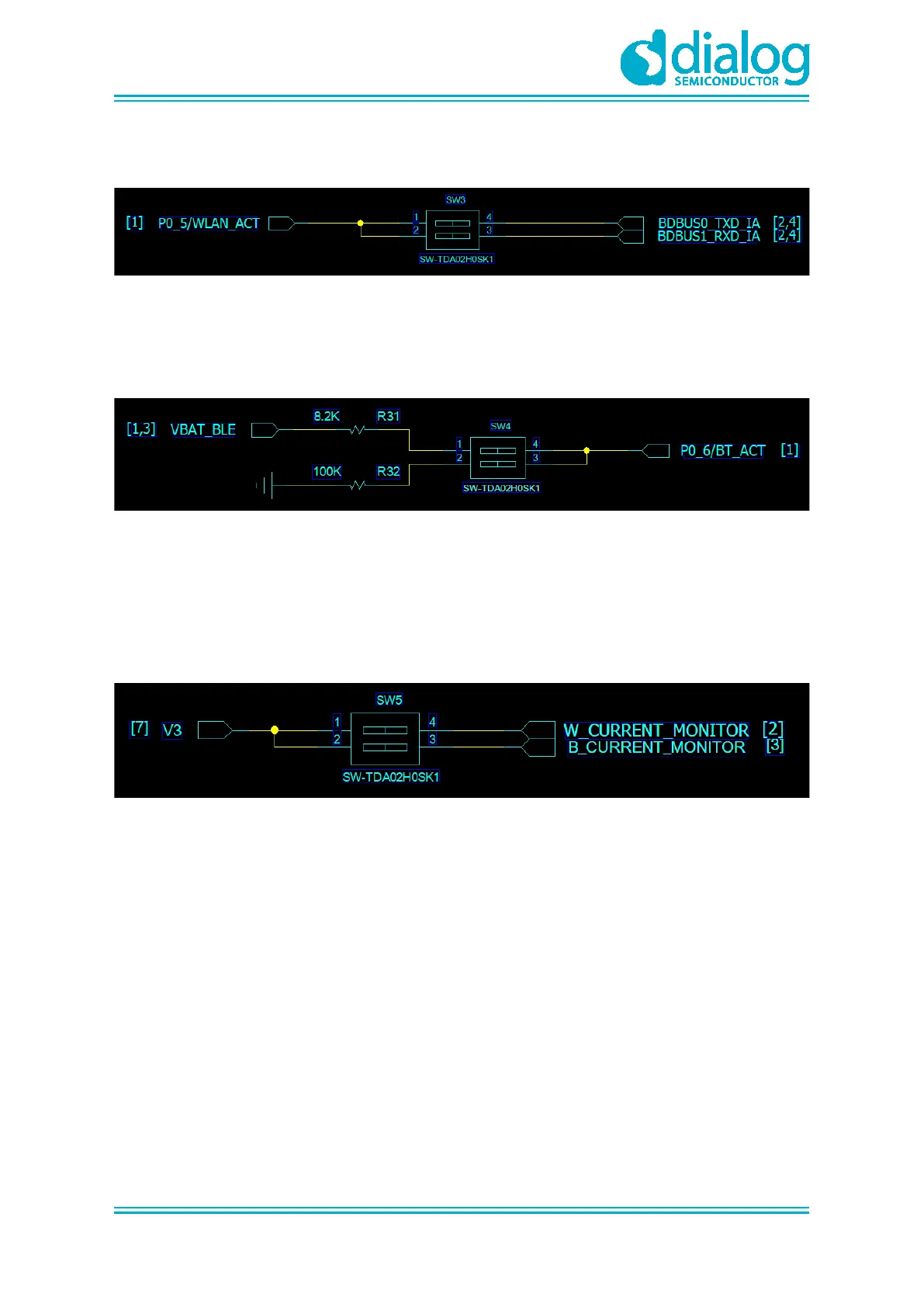
4.1.2 SW3 Pins Setting
Figure 4: The SW3 Pins
● Pin1,2: to use UART1 of DA14531 with P0_5 (1-wire UART)
4.1.3 SW4 Pins Setting
Figure 5: The SW4 Pins
To manually control the internal RF switch of DA16600, use:
● Pin1: if the RF path is connected to DA14531( Bluetooth® LE)
● Pin2: if the RF path is connected to DA16200( Wi-Fi)
4.1.4 SW5 Pins Setting
Figure 6: The SW5 Pins
To measure the current consumption with power meter kit, use:
● Pin1: to measure the current consumption of DA16200 ( Wi-Fi) which includes the RF switch
● Pin2: to measure the current consumption of DA14531 ( Bluetooth® LE)



 To Next Page