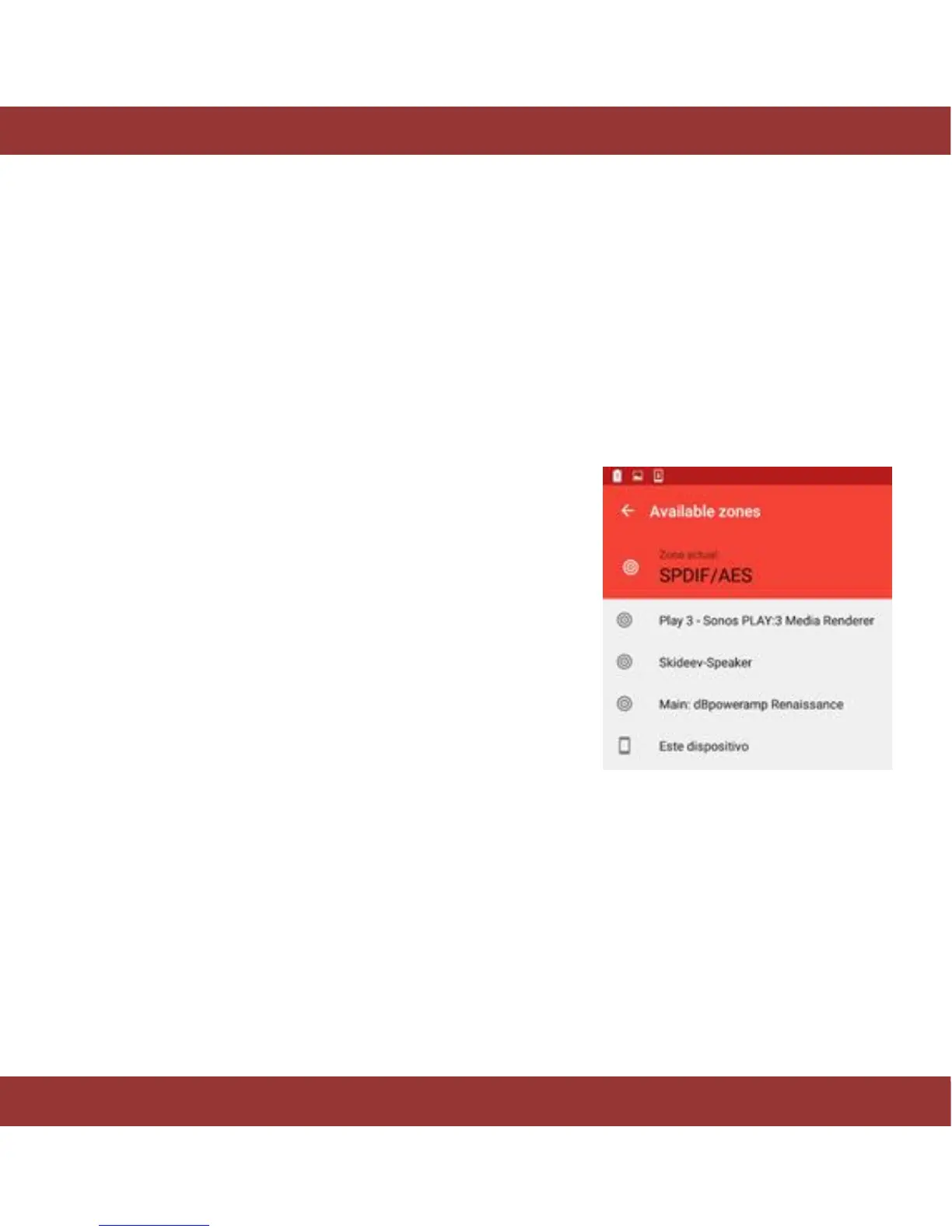
When you tap on this button, you will see three static options as follows:
SPDIF/AES: Plays music through the DAC connected to any of these outputs.
USB: Sends music to your USB DAC or preamp with USB input connected to the aria’s USB audio output
(should you need to install drivers on the aria server, please ask your dealer and/or DAC/Preamp vendor)
This device: This is your Android™ device, when you select it, the aria will stream music to your Android™
device and you will be able to listen it using its speakers or headphones.
Figure 10. iaria zones menu
From version 2.15 onwards, aria allows to stream music from the server to your Android™ device in
lossless quality. Up to 24 bits-96KHz high resolution streaming.
Pls. go to settings section (nut icon button in the home screen) and make sure that “Transcode streaming
audio function” is switched off. This way music files will be streamed in the same format they were ripped
or imported (lossless or lossy).
If you experience dropouts, your wifi signal may not be strong enough, therefore, you should modify
“Playback and streaming” audio quality function to a lower setting (see next page).


 To Next Page