Playing music
The aria server is delivered with some complimentary legal tracks from cooperating music labels allowing
you to play music immediately. The music inside the aria server controlled using iaria app is called “the
music library”
Before playing some music, you must select the audio output (we call it ‘zone’). Once you´ve selected the
´zone´ you can choose the music to play:
How to select the music playback zone
Prior to the selection of the music you want to listen to, you need to select the audio output.
The aria server is able to play the music using four different audio outputs called ´zones´
1. SPDIF
2. USB
3. DLNA (Players (renderers) in your network)
4. Your Android™ device
5. DAC (in case of aria with DAC)
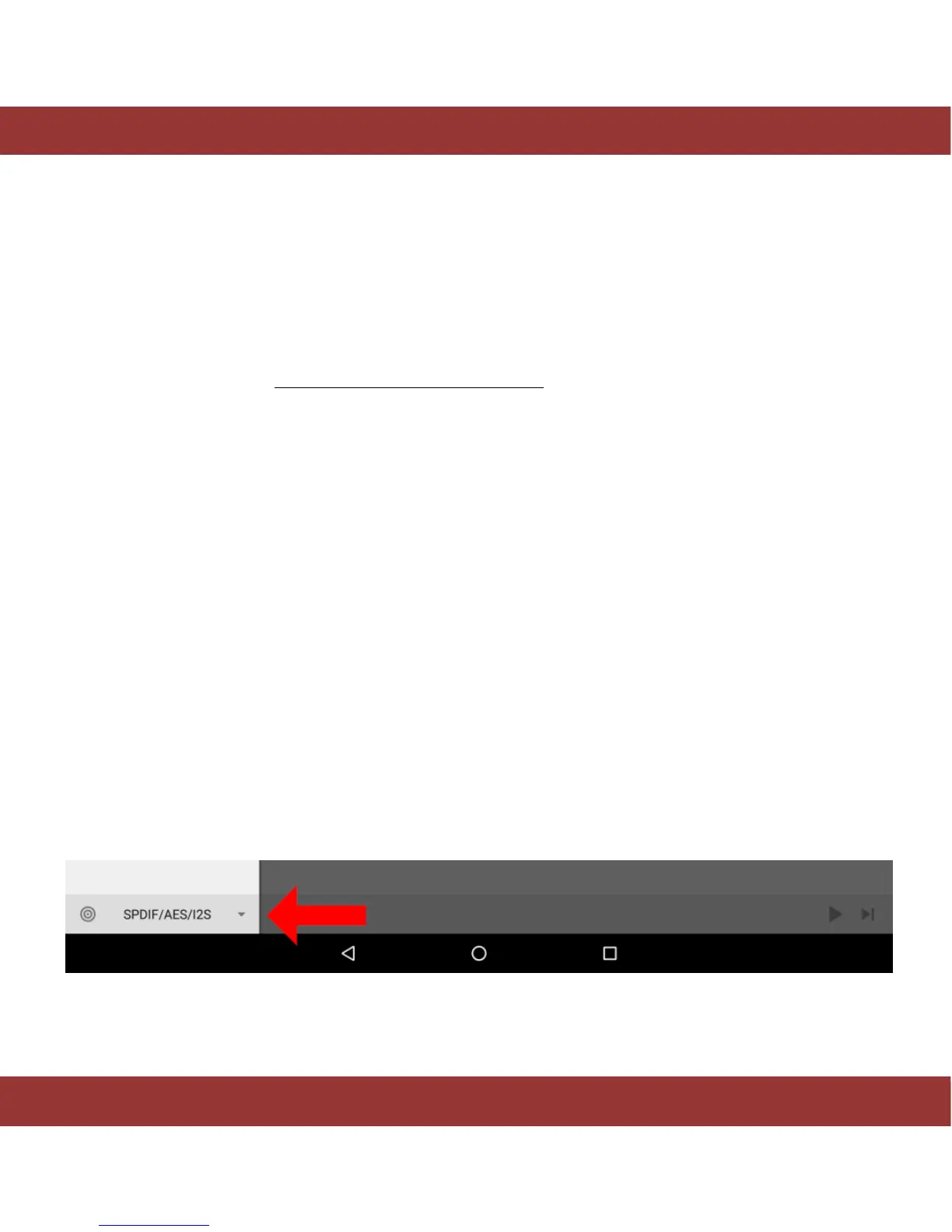
The ‘zone’ can be chosen using the button on the bottom left corner in iaria application:
Figure 9. iaria zones tab


 To Next Page