Automatic playlist
The aria automatically creates few playlists that can be accessed easily.
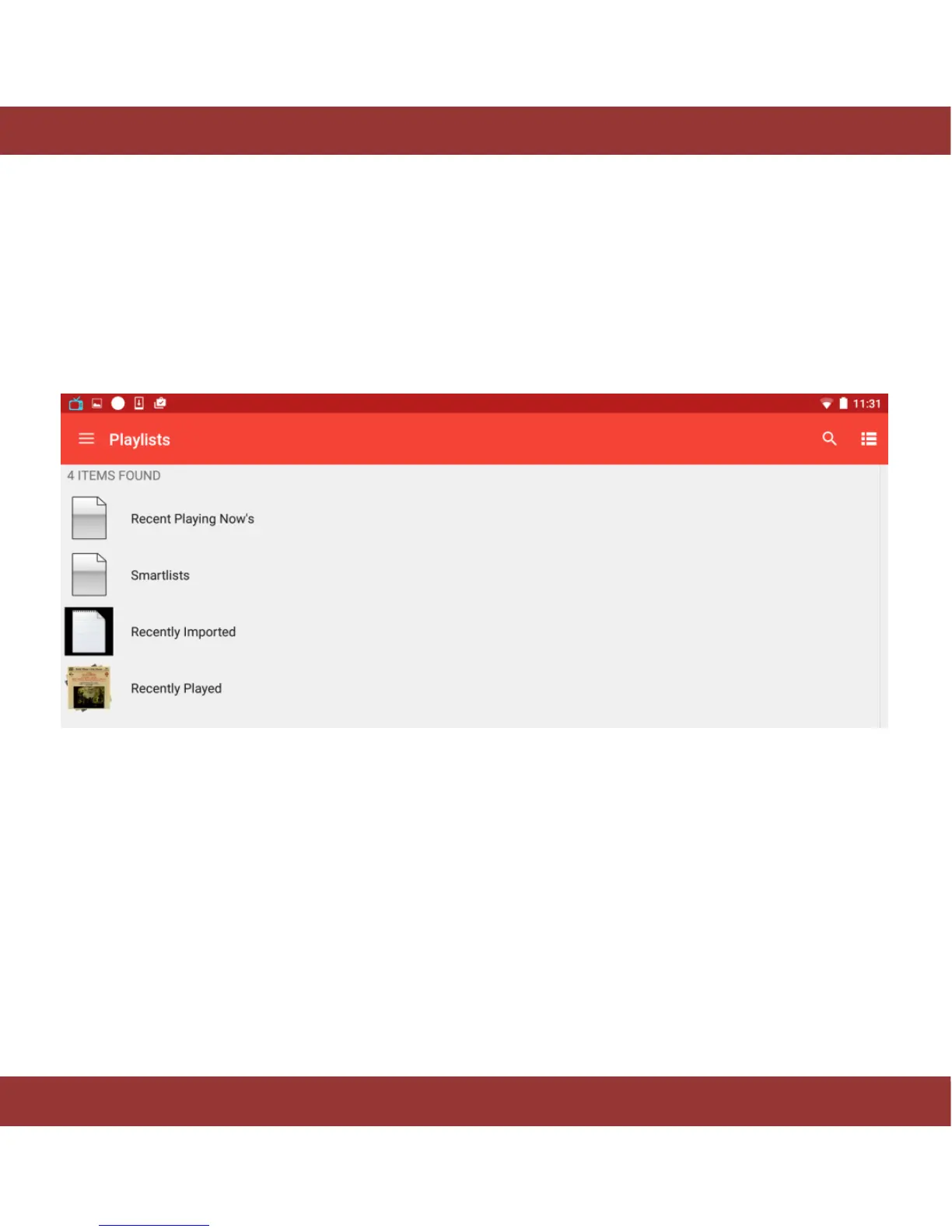
Go to home screen and select ‘Playlists’ item, you’ll notice four icons “Recent playing now”, “Smartlists” ,
“Recently Imported” and ”Recently Played”
Figure 26. iaria playlist menu
Recent Playing Now’s: There you can see the albums/tracks you have recently played while the aria
server and the control app remained turned ON. Please tap on any album/track to playback after you’ve
selected the time action icon.
Recently Played: There you will see the different albums/tracks you have recently played back even if the
aria server and the control app have been turned OFF. Please tap on any album/track to playback after
you’ve selected the time action icon.


 To Next Page