From inside an album:
If you select an album, the application will show its tracks.
To play just one track, you must first change the option pressing the arrow button at the top first (figure
22), then just tap on the track you want to play.
Figure 20. Tap mode button
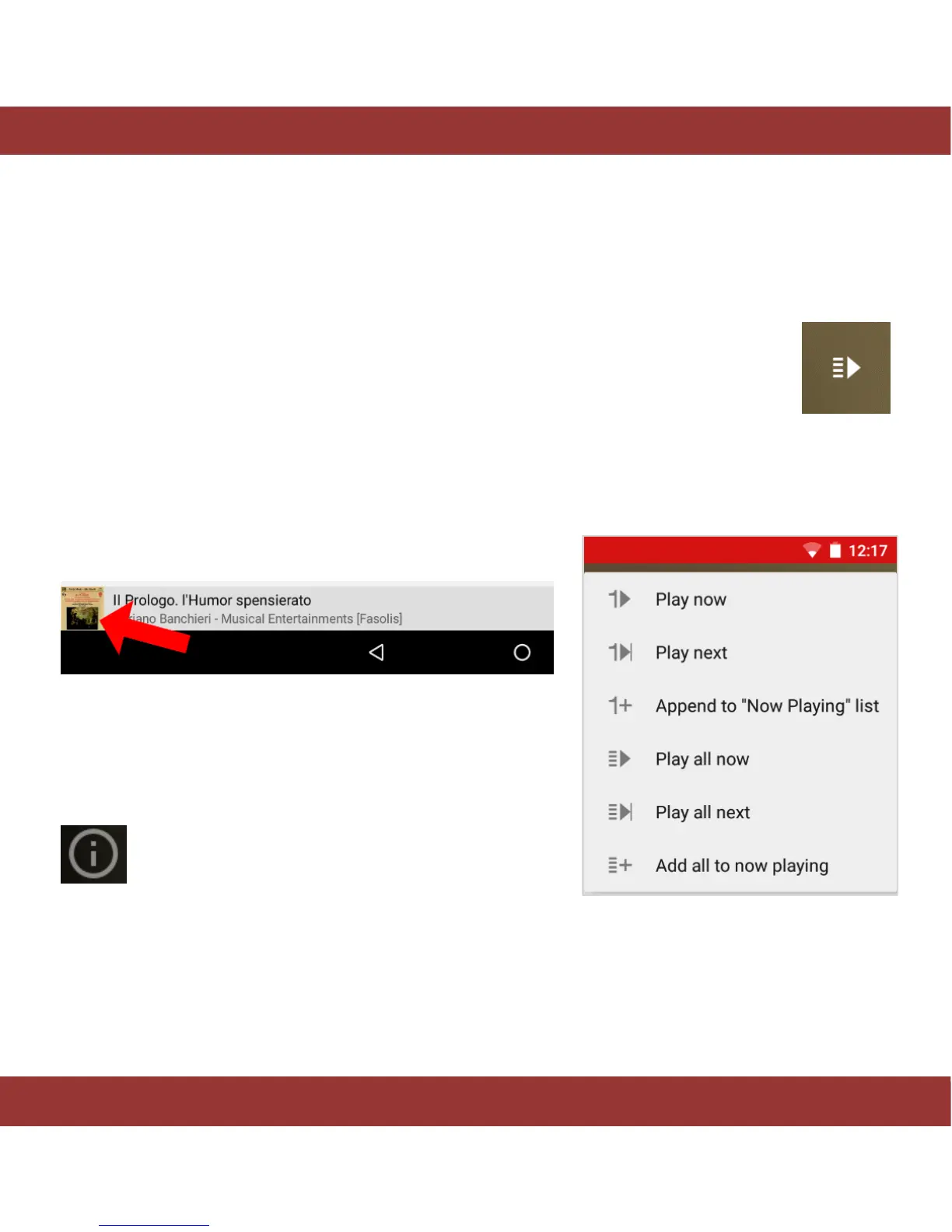
The different playback options available are shown in figure 21.
’Playing Now’ screen: Save and load playlists
To switch to ‘playlist view’ and see the tracks in the playback
queue (active playlist) tap on the play button at the bottom left
corner.
On this screen you will be able to:
Edit the metadata. Just tap on the ‘I’ icon in the
bottom right corner
(We will provide further explanations later).
Figure 21. iaria default tap mode menu


 To Next Page