3 INTRODUCTION
The aria is a music server that uses state-of-the art technology and rich features that will please the most
demanding audiophiles and music lovers. Special attention has been devoted to make it easy-to-use by
non-computer skilled users.
The aria incudes some unique features such as support for unlimited extended metadata fields, (18 fields
by default) compatible with Digibit’s classical music database SonataDB, no moving parts and support for
32bits-384 KHz PCM (DXD) and DSD64/128/256 music files (that ensures the best current audiophile
quality). The aria is compatible with UPnP/DLNA standards that allows streaming to external hi-end and
low-cost streamers enabling multiroom listening experience.
The aria is controlled by a custom free application called iaria running on any device with Android™
operating system. This User Manual is divided in two different sections: Firstly, an introductory section
that explains the first steps to configure the aria server and start playing music. Secondly, an advanced
section that explains how to add music to the server, make a playlist, edit metadata and backup the
stored music.
4 INSTALLATION
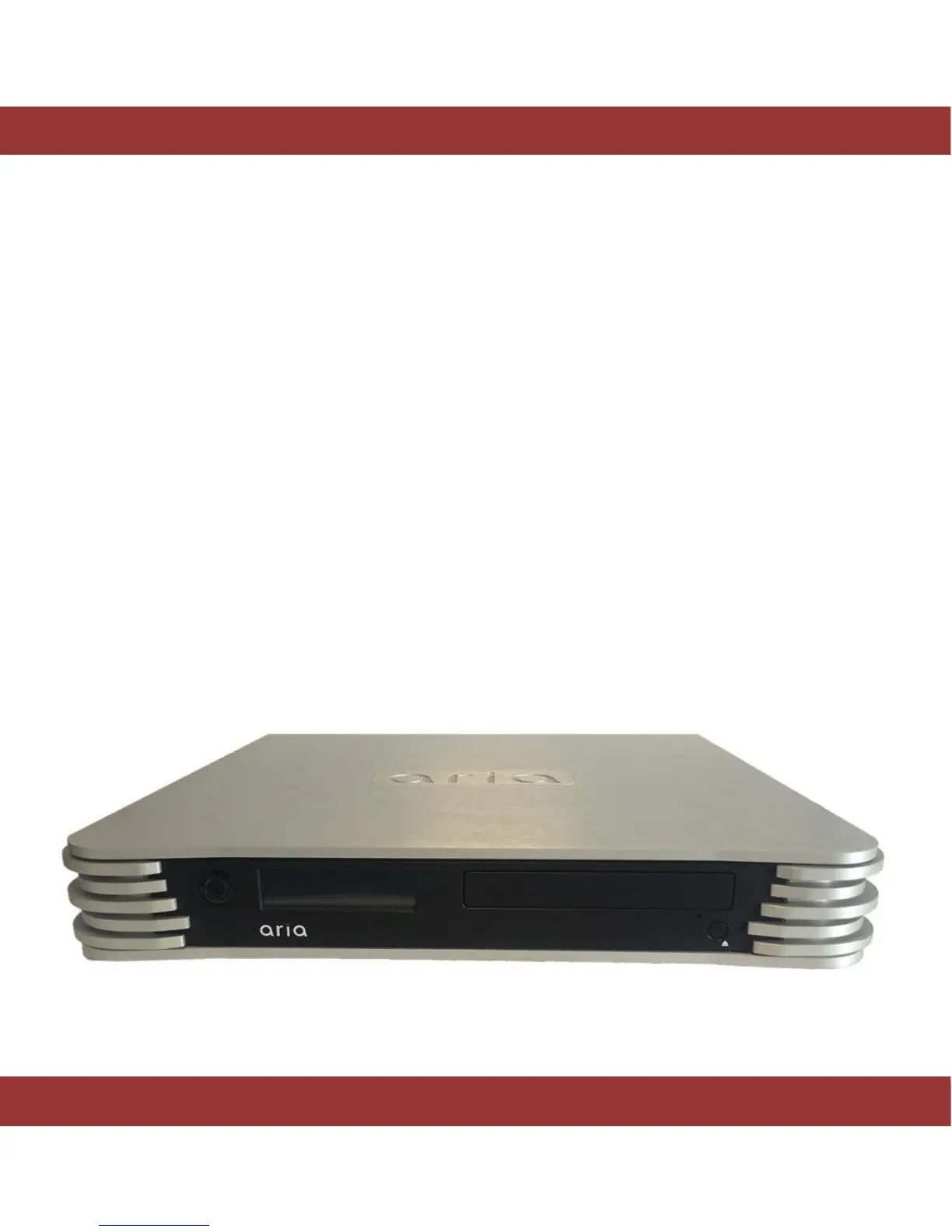
Unpack and install the aria 2
Unpack the system and keep the box and original packaging, you may need it in the future.
Figure 1. The aria 2


 To Next Page