Connecting the aria DAC
1. Connect the AC cable, (only for aria2 w/o external linear power supply)
2. Connect a LAN RJ45 cable to the LAN port. An internet connection is required for
ripping and future internet services. The aria is preconfigured to for dynamic IP (the
most common). If you have a static IP address, contact your installer.
3. Connect an audio output. There are three possibilities:
a. Analog unbalanced output 2 x RCA
b. Analog balanced output 2 x XLR
c. USB digital audio output: Connect to a DAC using a 2.0 USB cable. You may
need to install some specific drivers for Win 10 on the aria for your DAC
(your dealer can do that for you when installing the aria at home or
remotely)
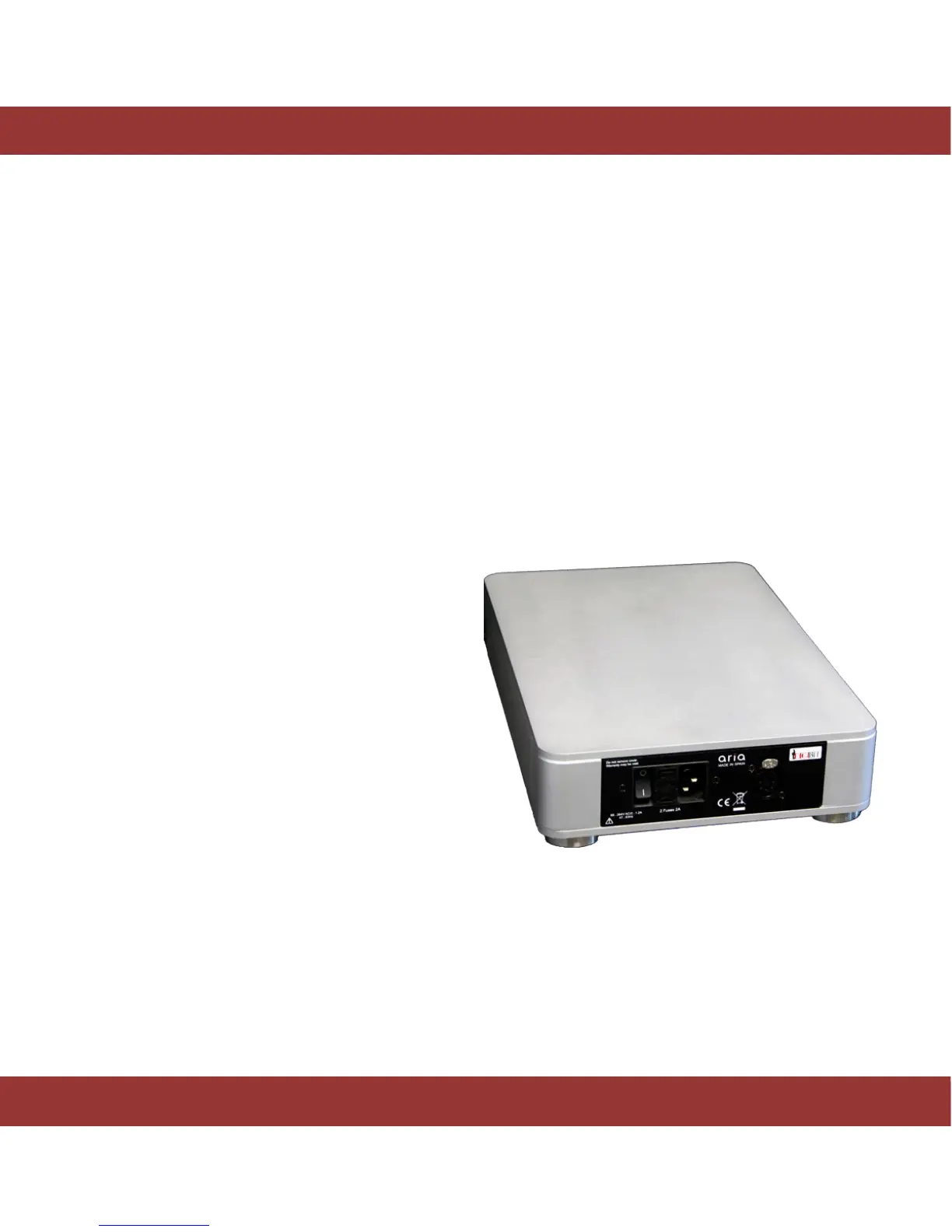
Connecting the aria Linear Power Supply (LPSU)
Installation:
1. Turn off and unplug the aria 2
2. Connect a 5-pole shielded XLR cable (provided)
from the LPSU power supply to the linear power
connector of the aria 2
3. Plug a power supply cable in the power supply
connector of the LPSU
4. Activate LPSU´s switch
5. The aria 2 is ready to use


 To Next Page