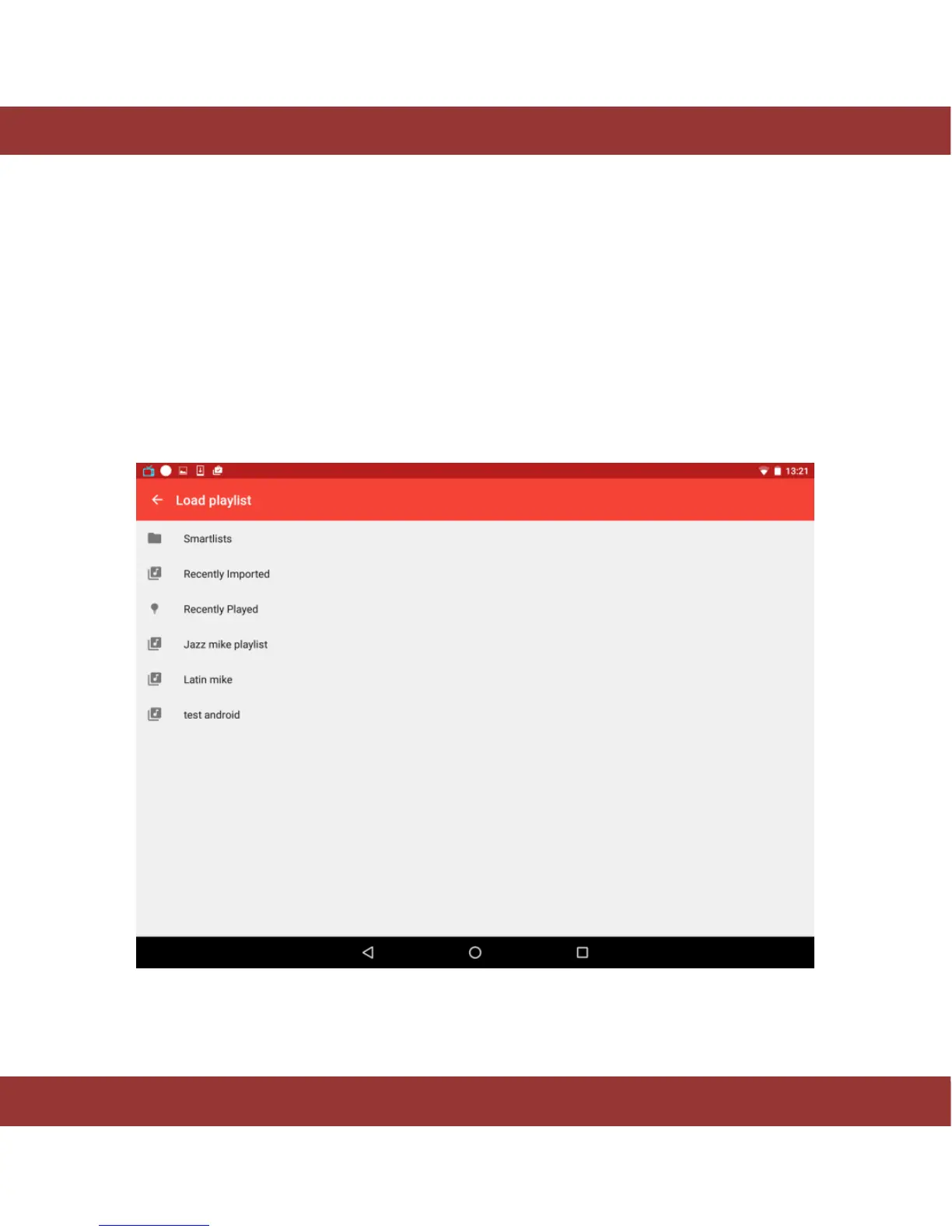
Load a playlist. To load a playlist press the icon at the top right corner. A new popup window will show
the playlists you have currently saved plus three additional options:
Recently played: Select this option to play the music you have been recently listening to.
Smartlist: Select this option to play 100 random songs from the albums you have imported this
month.
Recently Imported: Select this option to listen to the albums you have recently imported and
ripped.
These 3 options are also available in the iaria´s left bar by selecting the Playlist button (See Playlist
section).
Figure 23. iaria load playlist section


 To Next Page