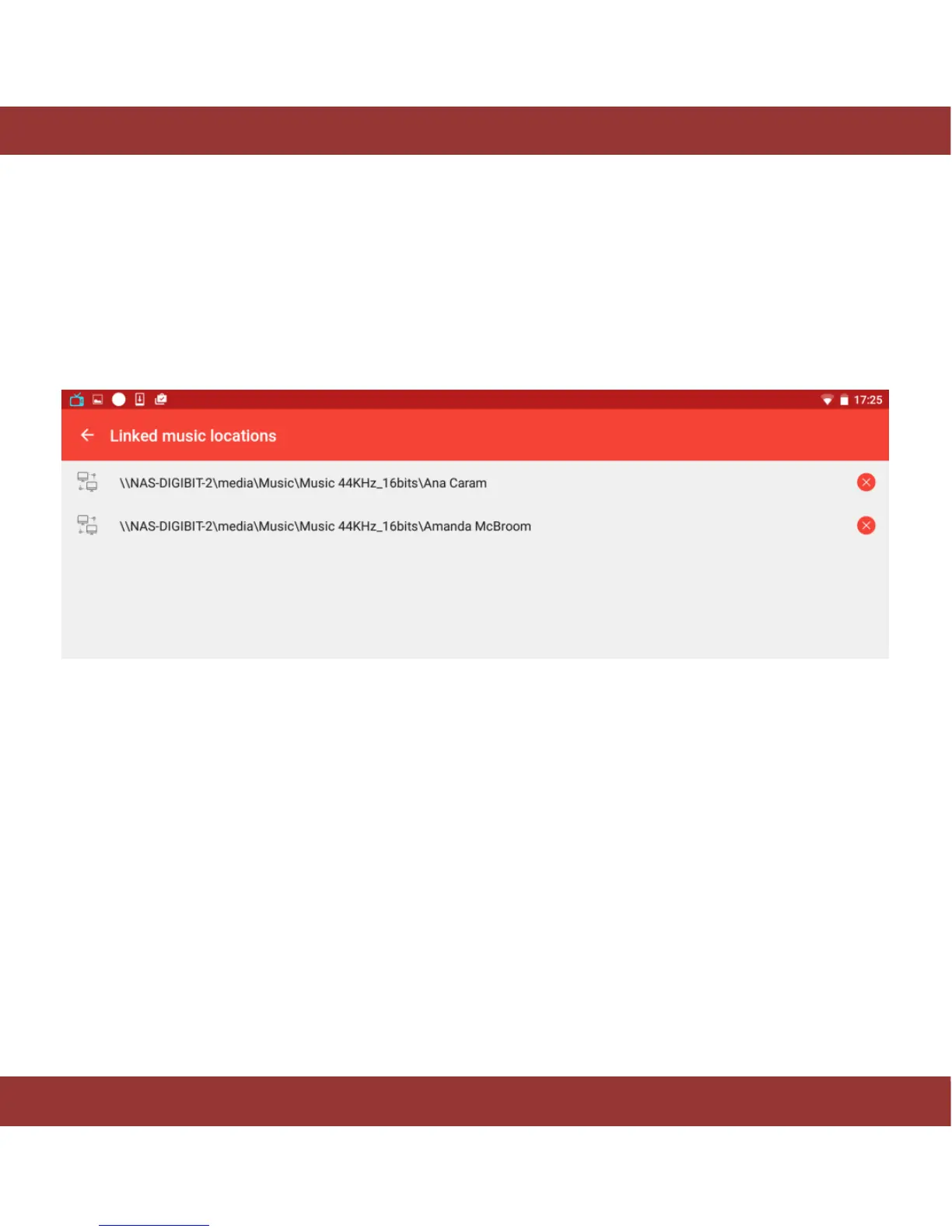
If you have linked an USB or network device and it is not going to be available any more, we recommend
to remove this connection.
To do it, go to Settings -> Manage Server and select Linked Music locations. The app will show the linked
folders. Just select the folder you want remove and tap ‘delete’ button (cross icon).
Figure 31. Deleting music locations


 To Next Page