Operator’s Manual DigiPump LP8 Infusion Pump - Digicare Biomedical Technology Inc.
- 23
Check whether the linear
pump cassette and
occlusion sensor are
normal
1. Open pump door and turn the tube clamp to the left .
2. Remove the linear pump cassette.
3. Rotate gear with fingers and check if it moves smoothly.
4. Press gently and release occlusion sensor with fingers and check if it
moves smoothly.
Performance of
Air detector
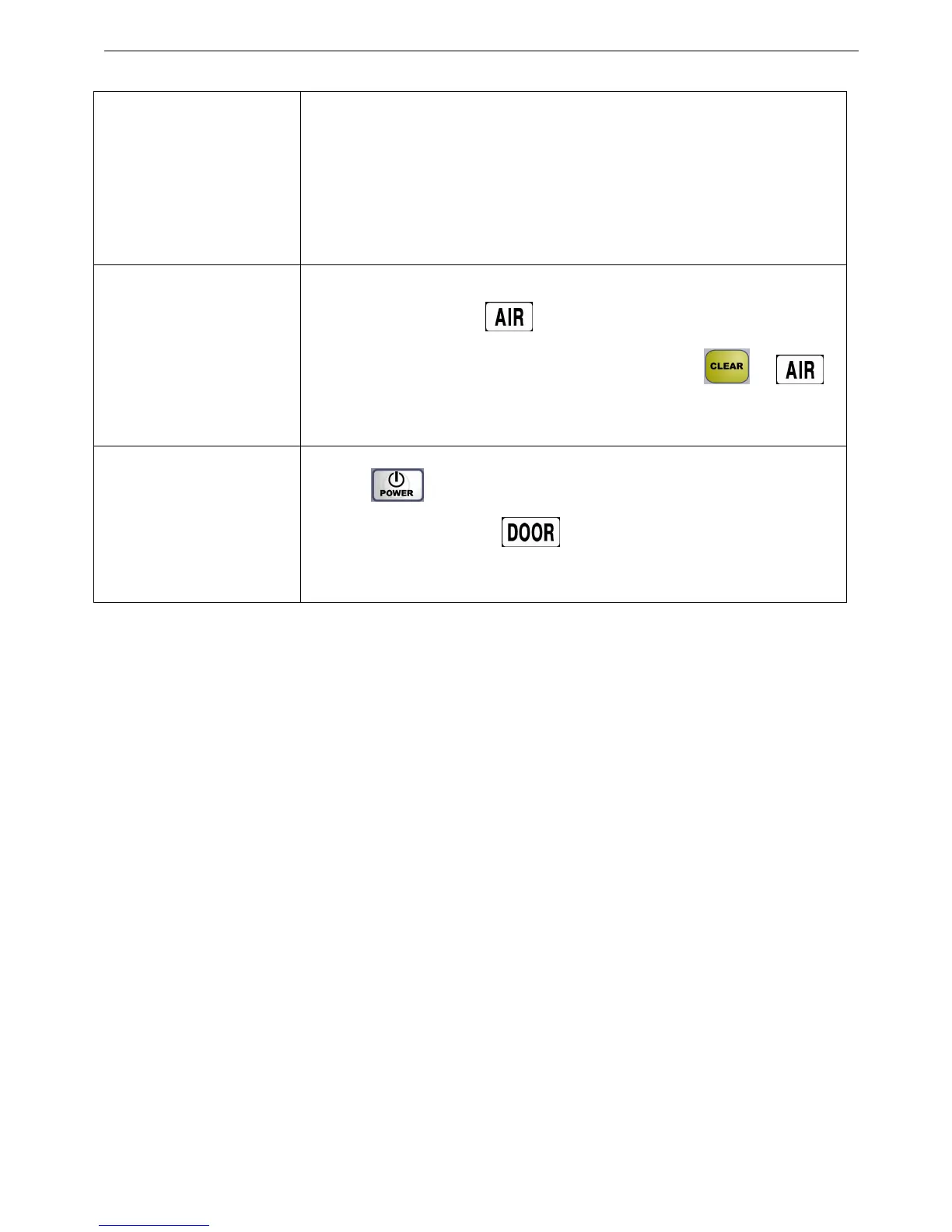
1. When turn on , the “ ” flashes before mounting the IV set.
2. After IV set is assembled, close the door, press“ ”, “ ”
message will disappear;
Performance of door
sensor
1. Press“ ”over 0.5 seconds to turn on the pump;
2. Open the pump door,“ ”will light. Closing the door the turns
off the alarm.
Chapter IV. Maintenance
4.1 Daily Maintenance
EOG sterilization; ultrasonic sterilization as usual as possible.
Avoid to clean with Organic solvent like diluent, alcohol etc.
4.1.1 DigiPump LP8 Enclosure
Clean the case with a soft cloth immersed in mild detergent .
4.1.2 Air detector
Gently wipe the detector surface with dampened cotton, and dry it well. Be careful not to damage the
detector surface. If it is damaged, it can cause failure of air detection.


 To Next Page