Operator’s Manual DigiPump LP8 Infusion Pump - Digicare Biomedical Technology Inc.
- 22
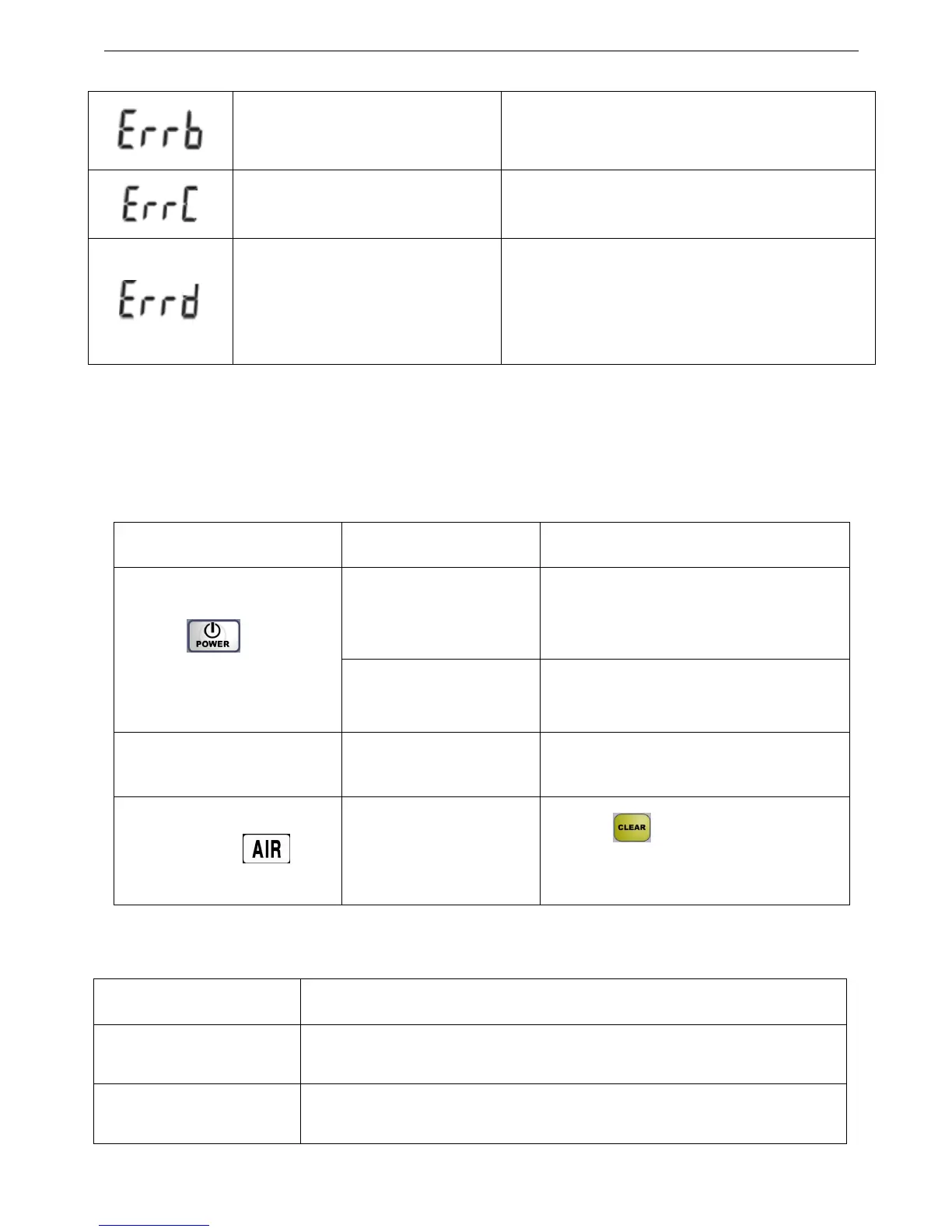
Adjustment finished, please restart Turn off and restart
The volume limit for the
auto-adjustment is too low
Refer to the operator manual(3.9.4(8))
Auto-adjustment failed, please
restart
If occurs alarm such as “OPEN”, “OCCL”,
“Pump not running” in the process of
auto-adjustment, turn off and restart the machine.
Re-do the auto-adjustment according to 3.9.4.
Note: The infusion volume in the single failure is less than 0.7ml.
3.10.2 Other failures
Check the following before contact customer service:
3.11 Daily check
Checking items Checking Procedures
Check whether the exterior
of LP8 is damaged
Check the exterior of LP8
Check whether the power
cord is damaged
Check the power cord
Symptom Checking points Action
Whether the battery is
installed properly.
Reinstall the battery properly.
Press“ ” but can’t
turn on
Whether the
AC power is connected
Connect to the AC power, and turn the
rear panel switch on.
Failed to infuse, unusual
sound emitted from linear
cassette.
Whether there is
something stuck on the
linear pump cassette.
Remove the cassette and clean the
components.
IV set installed and no air
in tube, but “ ”still
flashes.
Whether IV set is
mounted properly.
Whether the tube is
distorted
1. Press “ ” to clear the alarm.
2. Mount the IV set correctly.
3. Make sure no distortion occurs;


 To Next Page