28
DS6 User Manual
2. CONTROL / WiFi page
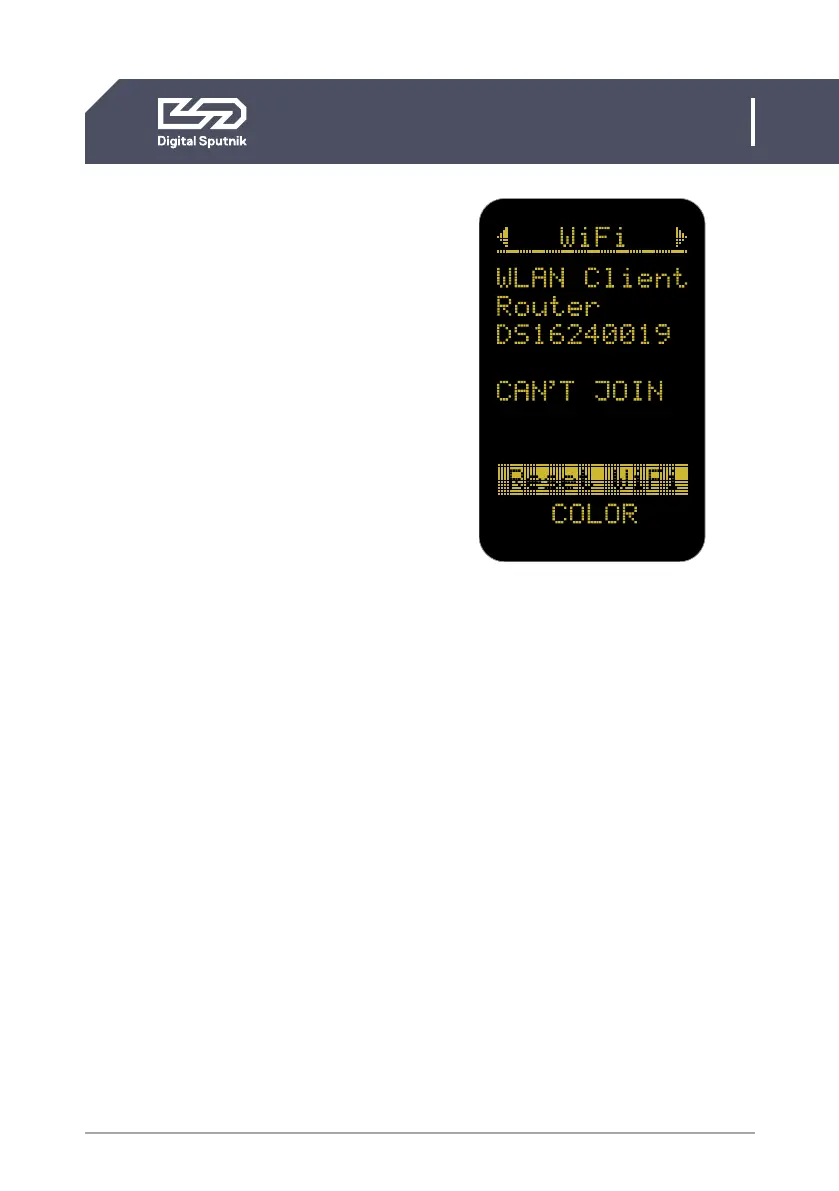
Reset WIFI
This setting is used to reset the WiFi mod-
ule to the default Server (Access Point)
setting with the Serial Number of the WiFi
module as its network name (SSID).
The Serial Number can be checked on the
side of the WiFi handle.
Press OK a total of 3 times to activate this
function. The WiFi reset takes about 15
seconds to perform.
Defaultly there is no password needed to
connect to the WiFi network.
It is not possible to manually change the IP
address from the control panel of the DS6.
As of this Firmware v2.67.5 RDM manage-
ment over Art-Net is not supported. RDM
over DMX allows configuration, status
monitoring, and management of the light
from the external controller in a way that
does not disturb normal DMX operation.
Troubleshooting Art-Net, sACN
Firewalls and certain routers can cause
issues with sACN multicast (packets are
sent to every IP address of the router range.)
Some routers are also known to buffer Art-
Net broadcast packets more heavily than
unicast packets, leading to slower than
expected framerates. During troubleshoo-
ting, it is recommended to try unicast (packets
are sent to one determined IP address) with
the firewalls (temporarily) turned off first to
establish a baseline.
When transmitting data via Art-Net or
sACN protocols to DMX, make sure that
the transmitter is configured to the correct
universe. Note that sACN universe
numbers often start from 1, and Art-Net
universe numbers may start from 0.
In DS firmware release versions up to and
including v2.67.5, Short DMX packets are
not supported, and only full 1+512 DMX
packets must be sent.
Firmware 2.67.5 Wifi communication
handle supports color management over
most common unicast/broadcast Artnet
protocols up to 4.0


 To Next Page