© 2019 Digitrax, Inc. www.digitrax.com
13
13
1. The Status Bar is always active and will show the status of your system.
There are multiple indicators that appear in the Status Bar. The “Ln”
indicator is solid black when LocoNet is OK. The “Trk” indicator is solid
black when system track power is turned on. The blue “USB” indicator
comes on when there is a successful USB connection to a computer.
2. The Switch/Info + Area is where switch information is displayed in
switch mode. Switch mode is covered in more detail in section 13.0. This
area of the screen is also where complete active function information is
displayed when the “Info +” soft key is pressed. For more info on con-
trolling and managing functions see section 10.0.
3. The Function Bar is where active functions are shown. Active functions
are blue and inactive functions are grayed out. The function information
shown in this bar correlates to the “Fn+” soft key, pressing the “Fn+” soft
key will cycle through control of higher functions and display them in the
Function Bar. For more information on using functions see section 10.0.
F
Local Throttle Active
sp 0 %
0003
Trk USB Ln
0 1 2 3 4 5 6 7 8 9
Fn+00
Active Info+
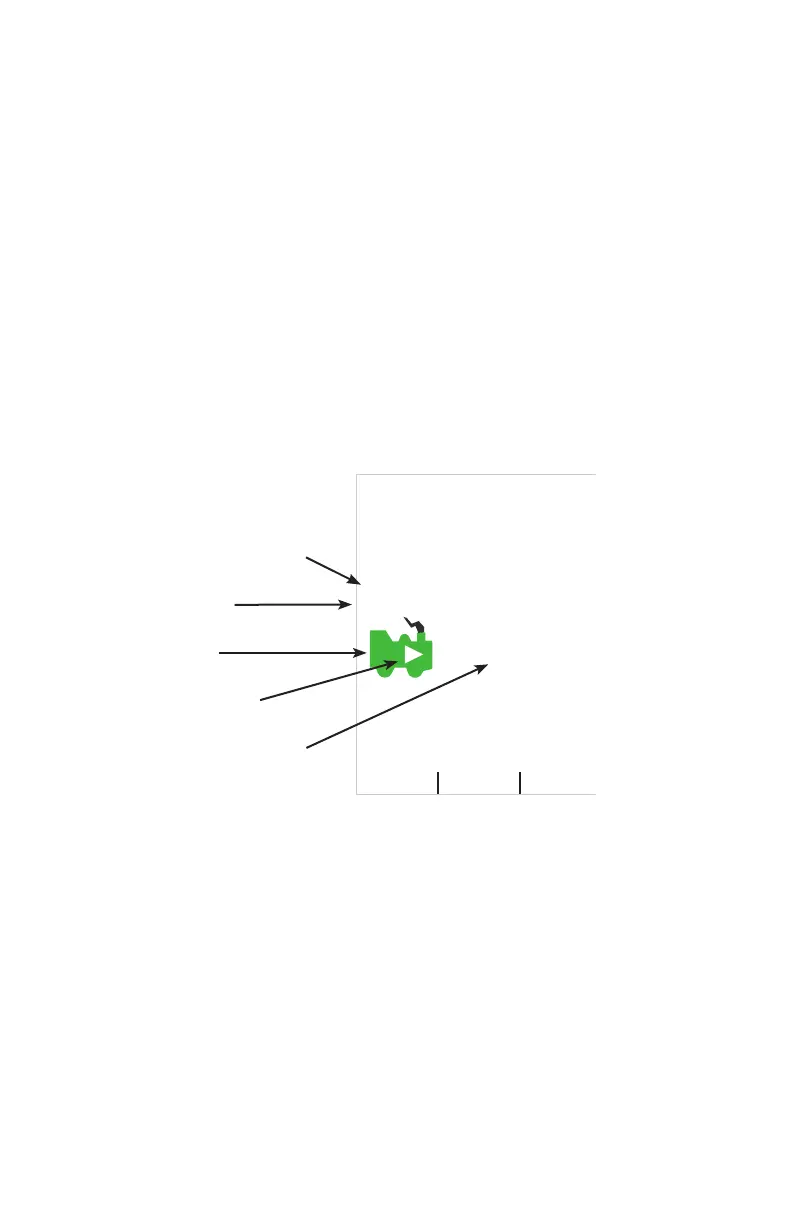
4. The Loco Info Area is where the current active locomotive information
is shown. This area shows the currently active loco, loco speed, and loco
direction. The top of this area tells what throttle the display is currently
showing information for and if it is active or inactive. The DCS52 by
default will only have the Local throttle enabled. If the jump ports are
turned on you will be able to cycle through the additional throttles using
the “Active” soft key. For more info on using jump ports see section 17.0.
Next the current loco’s speed is listed as “sp XX%”. There is a loco icon
with the current direction indication either forward or reverse, shown with
a “F” and an arrow or a “R” and an arrow. If a loco is currently selected
this icon will be green with ashing smoke coming from the smokestack.
If no loco is selected the icon will be gray with no smoke. Finally, the
Active Throttle Info
Loco Speed
Loco Icon
Loco Direction
Current Active Loco



 To Next Page