
 To Next Page

R
Roy JohnsonSep 12, 2025
What to do if my Dillon EDX Measuring Instruments does not power on?
- MMichelle SullivanSep 12, 2025
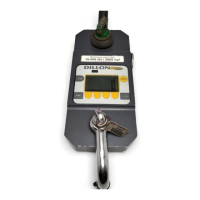
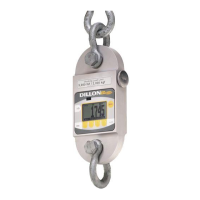
If your Dillon EDX does not power on, first replace the batteries with high-quality alkaline batteries, as the current ones may be low. Ensure that the positive terminals of both batteries (nub) face inward towards the black cap and that the spring is attached to the battery cap. If it's a software issue, remove the battery cap and reinstall it after one minute, then attempt to turn the power on again. Finally, the display contrast might be too light. Hold the Right Arrow key down while pressing the F2 key several times to increase the display contrast. If nothing occurs, release both keys, press the power button, and try again.
 General