15
Filling the Refillable Containers
CAUTION: Allow at least ve minutes for components to cool before disassembling the unit to rell.
When the water tank is empty, the ame effect will shut off and the LEDs will blink twice continuously. Follow these
steps to rell the tank:
1. Carefully remove the media and media plate.
2. Turn the On/Off switch to the ‘off’ position (0).
3. Remove the rell container by lifting upwards and outwards.
4. Rell the container with water.
!
NOTE: Normal tap water can be used in the Opti-myst
®
as long as the tap water is not considered to be hard
water. In the event your tap water is hard, you may use softened water or distilled water. If using distilled water,
it is recommended to add
1
/
8
tsp. of salt (0.5mL) to the water reservoir; additional salt should only be when you
notice that the unit is not producing mist as expected.
5. Screw the cap back on. Do not overtighten.
6. Return the rell container to the sump, with the tank cap facing down and the at side of the tank facing outward.
7. Turn the On/Off switch to the ‘on’ position ( I ).
8. Carefully place media plate and media back into position.
Flame Customization
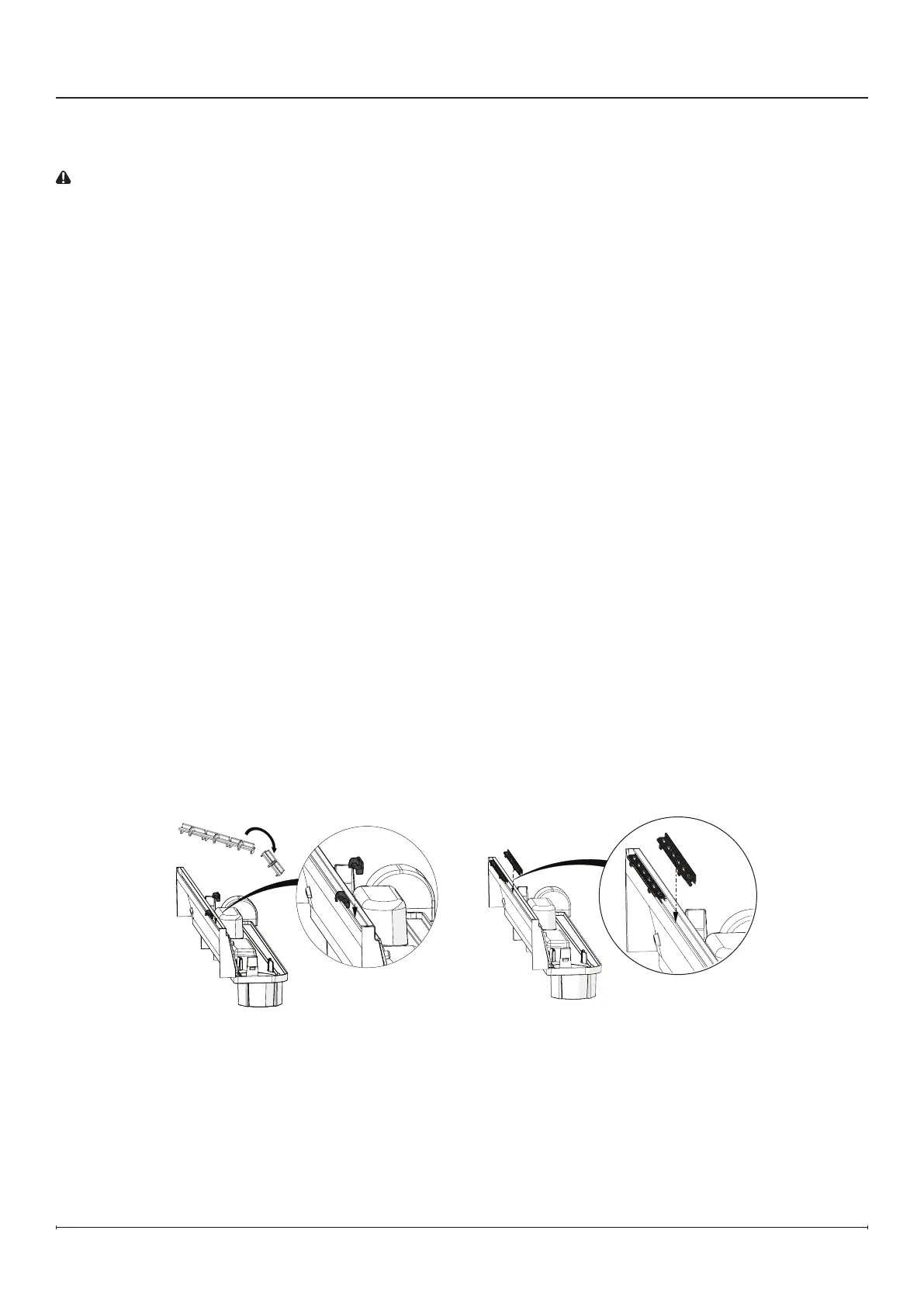
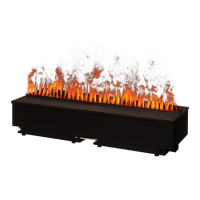
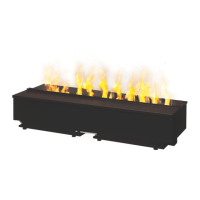
The CDFI500-PRO and CDFI1000-PRO come with inserts that allow you to customize the look of the ame.
To use the spacers, rst break them along the break line (Figure 10). Second, insert into the nozzle at desired
locations. It is recommended to place them under any media that crosses through the ame, for example, logs.
To use the slots, insert them into the nozzle (Figure 11). A total of 3 slot inserts can be used in each nozzle.
Operation
Figure 10
Figure 11





 To Next Page