13
B.
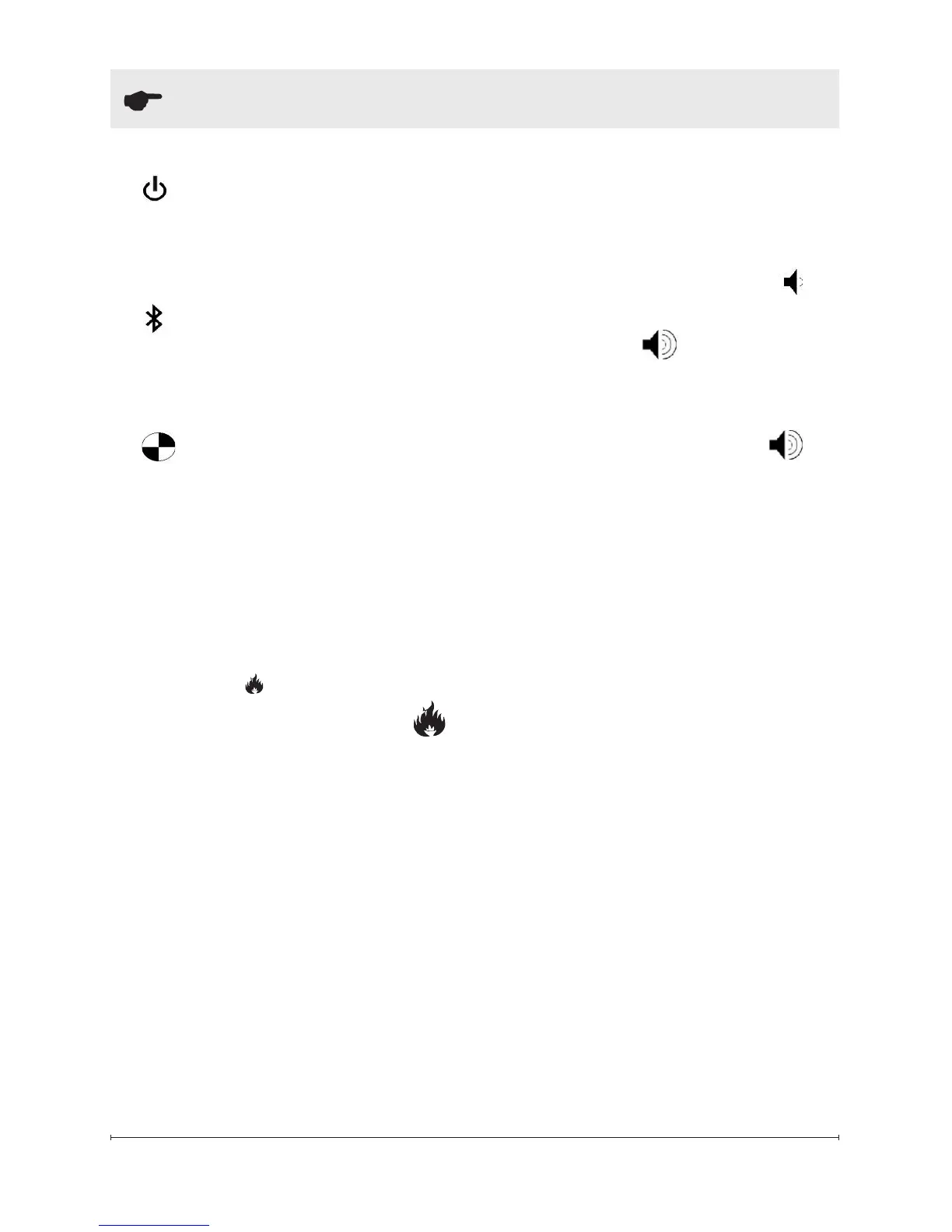
Standby
Puts the unit into standby mode
where control by the tethered
controller or remote is possible.
C. Blue tooth
Required for initializing the re-
mote together, see initialization
instructions for more detail.
D. Test Mode
Used for troubleshooting issues
- outlined in detail in the service
manual.
E. Flame Intensity Control
Adjusts the intensity of the ame
and smoke effect when the unit
has been activated.
Pressing the will decrease the
ame effect and pressing the
will increase the ame effect.
!
NOTE: A few moments will be
required between adjustment and
a change to the ame effect.
!
NOTE: During normal opera-
tion it is expected to see some
condensation of water on the me-
dia tray. This will vary depending
on ambient conditions and should
be considered normal.
!
NOTE: When the water tank is
empty the unit will turn off after 30
seconds.
F. Volume Control
Adjusts the volume of the wood
re sound effects.
On the unit: Pressing the
will decrease the volume and
pressing the will increase
the volume.
On the Remote and Teathered
Controller: Pressing the
will turn On and Off the volume.
Remote Control
The tethered controller can be
used in the same manner as the
remote but houses the blue tooth
receiver for communication with
the remote.
The tethered controller must be
connected to the unit and On/Off
Switch must be in the ‘ON’ ( I )
position in order for the remote to
operate.
!
NOTE: To operate correctly
the remote control must be initial-
ized with the unit.
Remote Control Initialization/
Reprogram
In order for the remote to commu-
nicate with the unit the blue tooth
must be setup, as outlined below:
1. Install the tethered controller
Operation




 To Next Page