EN-11
Configuring the Heat Pump Heating System 6.1
English
6 Configuring the Heat Pump Heating System
The menus for “Outputs”, “Inputs”, “Special functions” and
“Modem”, as well as the extended settings menu, can be set at
the configuration level. The extended menu level for technicians
is accessed by simultaneously pressing the button combination
(MENU) and (ENTER ) for approx. 5 seconds
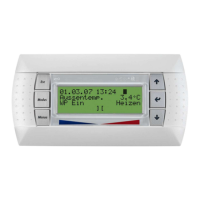
The desired menu item can be selected with the arrow buttons
and confirmed with the ENTER button .
6.1 Settings
Depending on the system configuration, the full “Settings” menu
contains the following inquiries:
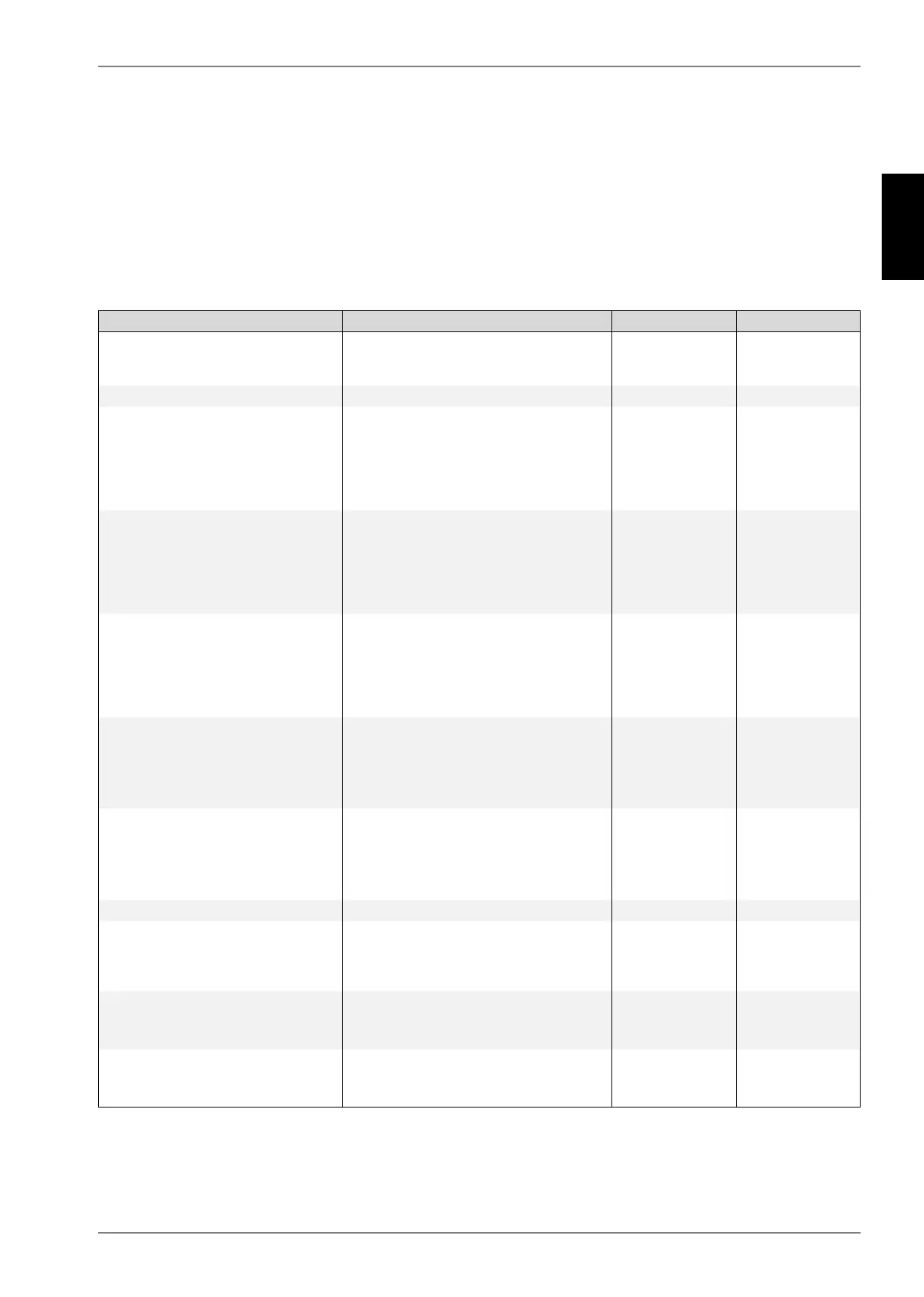
System-specific parameters Setting range Display
Menu for setting the time. An automatic
changeover from daylight saving time
(summer) to winter time can be selected.
International 24-hour
display
Always
Level for setting operating modes Always
When activated, the function of the heat pump
is switched dependent on the external
temperature. Switching occurs, when the limit
temperatures are exceeded for the set time.
Manual switching of the operating mode is
blocked.
Yes / No
1...1h...150
Always
Limit temperatures at which the operating
mode of the heat pump is automatically
switched. Switching of the mode is deactivated
in the start mask. In the range between the limit
temperatures the heat pump operates in
summer operating mode.
-30
.15 °C (Ht) / 25 °C (Cl).
40
ext. temperature
Independent
switching
Selects the operating mode
It is also possible to make changes directly by
using the Mode button.
Summer
Auto
Party
Vacation
HG2
Cooling
ext. temperature
Independent
switching
Duration of party mode in hours
After the set period has elapsed, the system
returns automatically to automatic operation.
The value for the raise is set in the menu
“Heating circuit 1 – Raise”.
0
... 4 ...
72
ext. temperature
Independent
switching
Duration of vacation mode in days
After the set period has elapsed, the system
returns automatically to automatic operation.
The value for the lowering is set in the menu
“Heating circuit 1 – Lower”.
0
... 15 ...
150
ext. temperature
Independent
switching
Level for setting the heat pump Always
This setting is dependent on the heat pump
type. Refer to the installation and operating
instructions of the heat pump or the heat
pump's type plate for the relevant number.
1
2
Always
Settings for lowering the ventilator speed.
Lowering causes an output reduction of approx.
15%.
Air-to-water heat
pump
Reversible HP
Settings of times during which the ventilator
speed is to be lowered.
00:00
...
23:59
Air-to-water heat
pump
Reversible HP


 To Next Page