16 www.dimplex.com
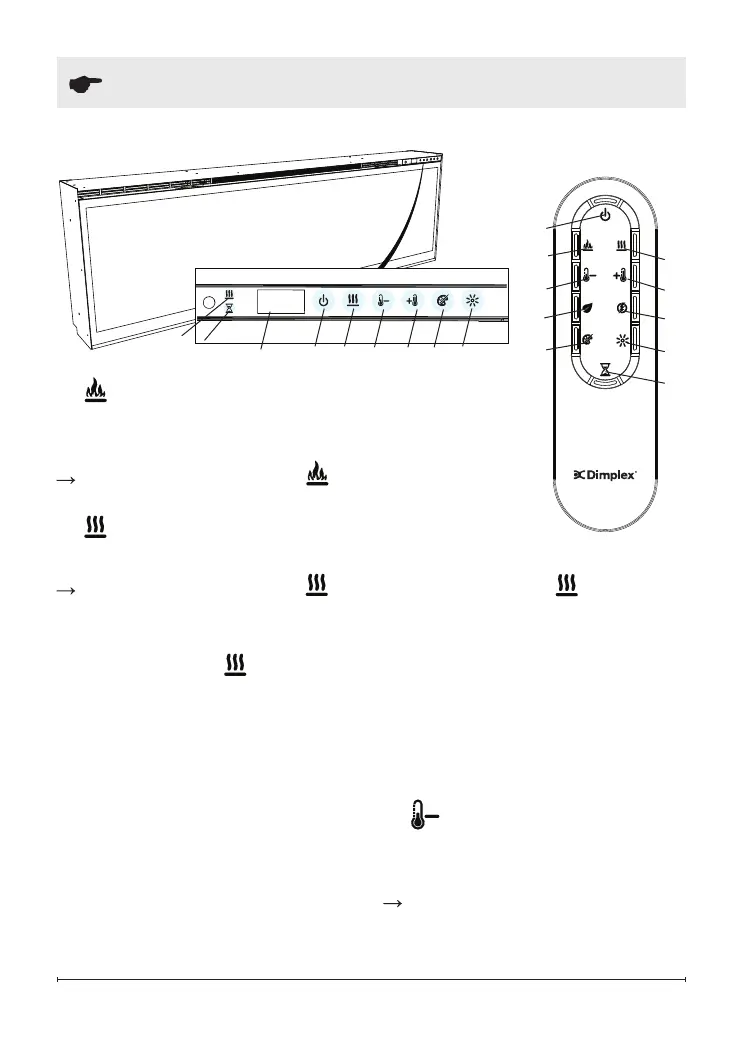
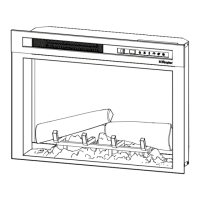
Figure 9
A
C D E H
Display
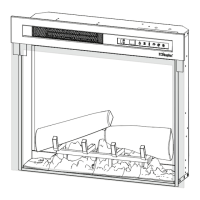
Figure 10
A
D
B
C
E
G
J
F
I
H
I
Operation
B. Flame Effects
Turns the Flame Effect On
and Off.
Activated by pressing the
button on the remote.
C. Heat ON/OFF
Turns the heater On and Off.
Activated by pressing the
button on the remote or the
unit.
• Indicated by the
icon and the
setpoint temperature will ash
on the display, then the intake
temperature will be displayed
before turning off.
!
NOTE: After the heater is
switched off, there is a 2 minute
fan delay, where the fan will
continue running before turning
off.
!
NOTE: The unit can be
operated in Heat Only Mode.
When the unit is only running
with the heater, the
icon will
continuously be displayed on the
Display.
!
NOTE: The heater may emit
a slight, harmless odor when
rst used. This odor is a normal
condition caused by initial heating
of internal heater parts and will not
occur again.
D.
Temperature Down
Decreases the temperature
setting.
Adjusted by repeatedly
pressing the corresponding
button on the remote.
C
J


 To Next Page