4 Product description
SAFEONE DN3PD2 Manual 16
4.13 USB interface
Via the USB connection you connect the safety s to the PC (standard USB 2.0). You need the
PC connection for the following actions:
Transfer the configuration data
Read out the configuration to open it in the configuration software as a project and edit it
if necessary.
Diagnosis
Validation
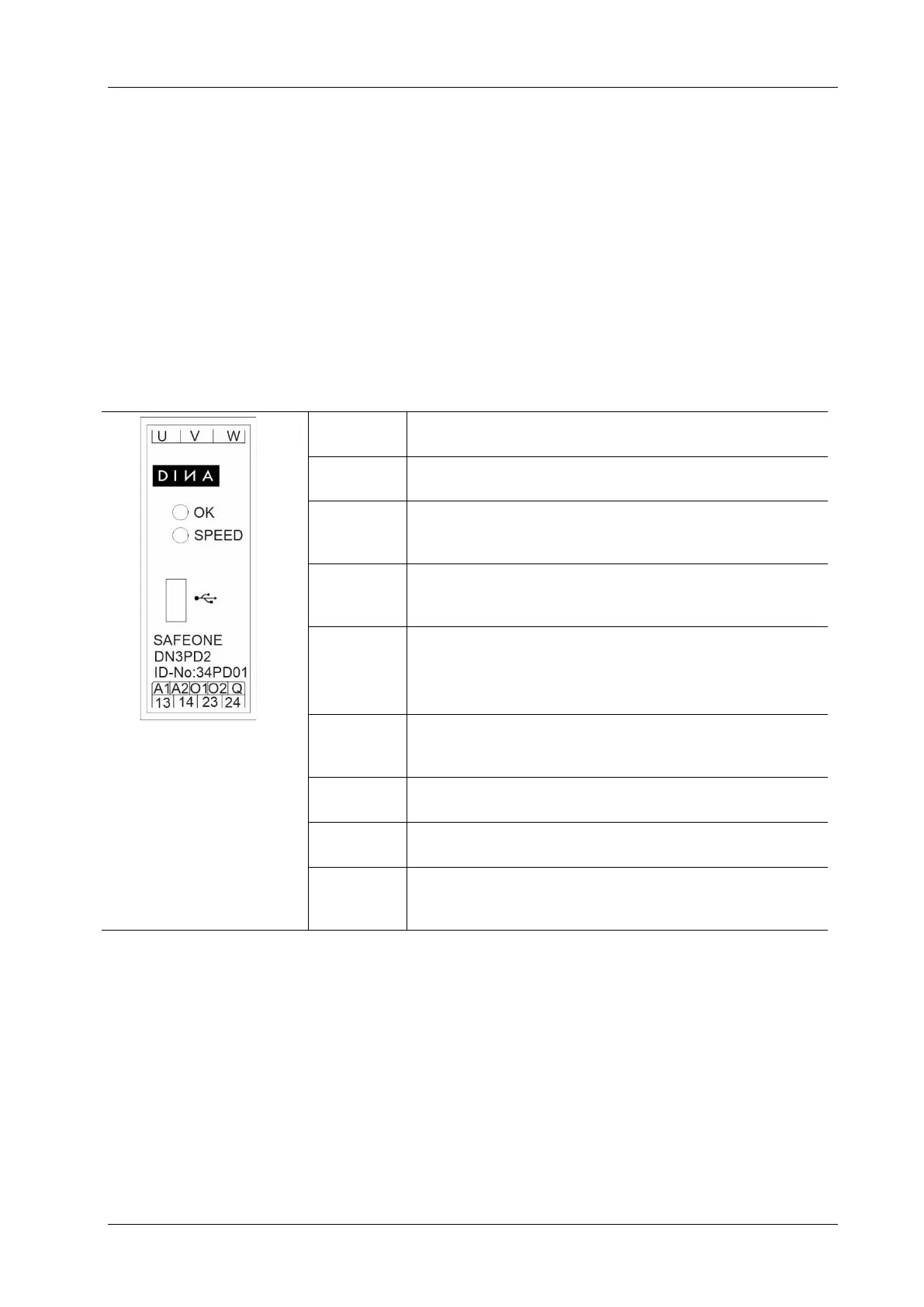
4.14 Connections
Measuring inputs are to be connected directly to the
motor, without switching contacts between
Acknowledgment input can be parameterized, manu-
ally or automatically
Digital positive switching semiconductor outputs for
the transmission of switching states to a higher-level
control for diagnostic tasks.
Enabling contacts (2 NO-contacts).
Mini-USB for connection at PC
state of the enabling current path



 To Next Page