7 Configuration
SAFEONE DN3PD2 Manual 23
7.1 System requirements
The configuration software is compatible with the following operating systems
MS Windows 8
MS Windows 10
MS Windows 11
Hard disk space min. 1 GB
Main memory min. 2 GB
Resolution 1920 x 1080 px
Scaling 100%
Interface USB
7.2 Installation of the Configurations-Software
The configuration software can be found in the download area of the article at di-
na.de/downloads/software.
Always work with the latest version of the software.
1. Installation of the software:
2. Download the software.
3. Start the installation.
4. Follow the instructions of the installation wizard.
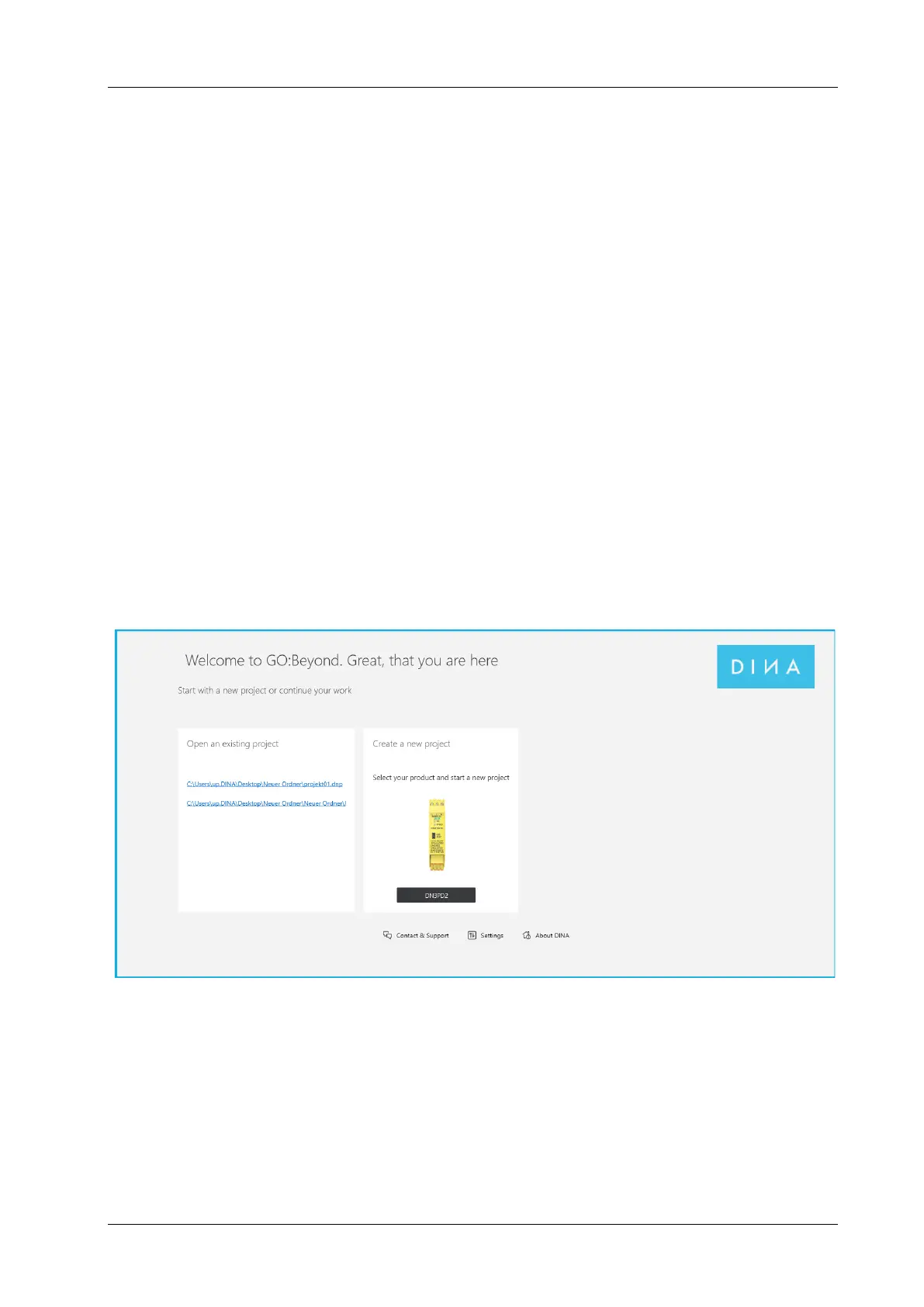
5. Choose the language about “Settings” in the start screen.
7.3 Connection to the PC
Communication between the safety switchgear and the configuration software takes place via
the USB interface.
Connect the safety relay to the PC using a suitable connection cable.
The interface is suitable for standard USB cables.



 To Next Page