CHAPTER 5: Troubleshooting and Maintenance
Troubleshooting
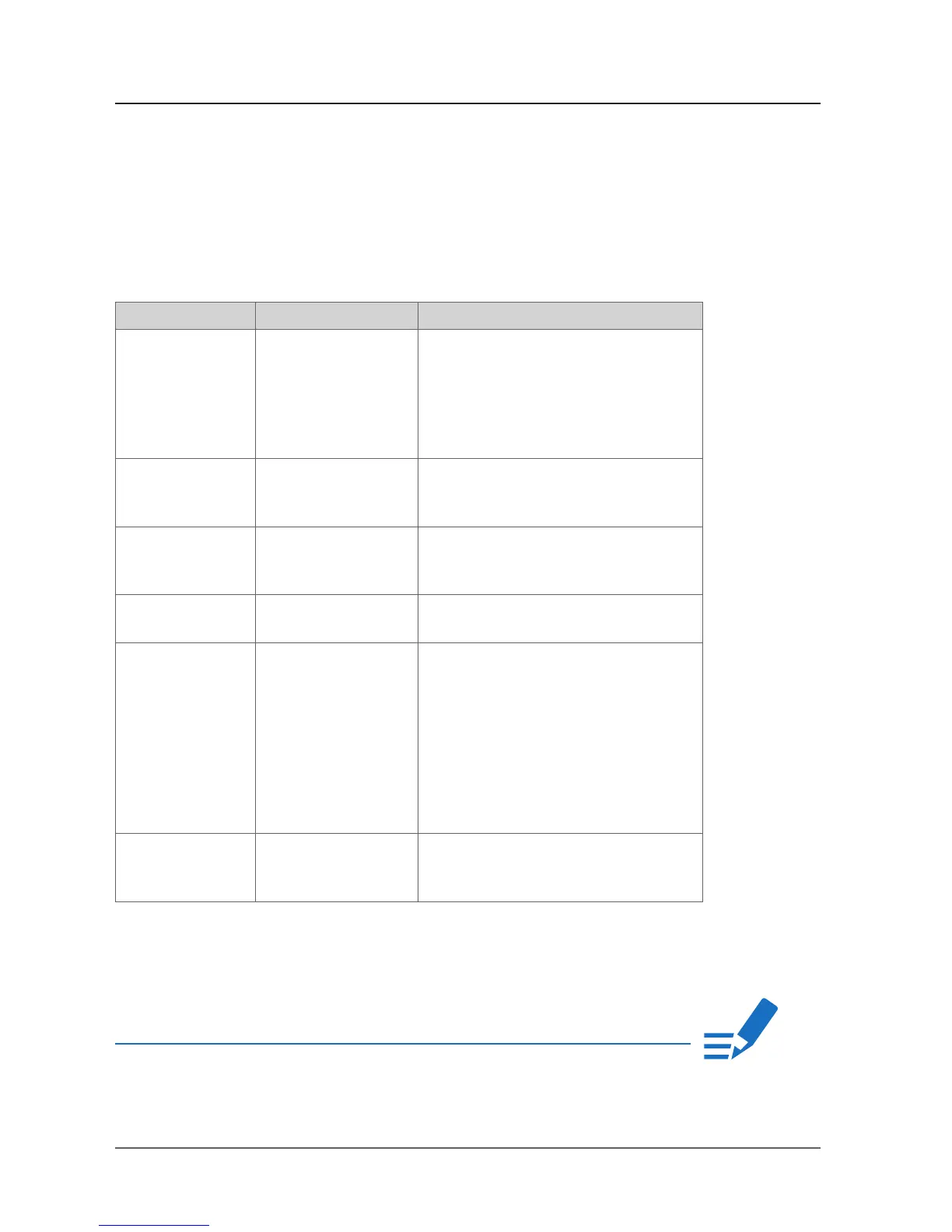
To identify a possible defect with the device please consult the following table.
If the fault cannot be resolved using these instructions, please contact your local
DirectOut representative or visit support.directout.eu.
Maintenance
To clean the device, use a soft, dry cloth. To protect the surface, avoid using
cleaning agents.
The device should be disconnected from the power supply during the cleaning
process.
CHAPTER 5: Troubleshooting and Maintenance
Issue Possible reason Solution
Device doesn’t
work.
Power supply is
broken.
Check that the power supply switch
is on, that the device is connected to
the power supply and that the socket
is working. Defective fuses must be
exchanged by qualified service personal
only.
Optical port does
not work.
Optic is dirty. Use an air supply to carefully remove any
dust.
Never use objects for cleaning.
No signal at the
output port.
Connections (input /
output) are mixed up.
Check the connections and change the
cables if necessary.
Check the routing matrix.
No signal at the
output port.
Signal cable defective. Exchange the signal cable.
MADI signal at the
input is not stable.
Signal source is
defective
or
bad signal condition
(Jitter > 1 ns) - e.g.
due to exceeded
length or bad
screening attenuation
of signal cable.
Change the source
or
use appropriate cables.
Clicks in the
audiosignal.
Input source is not
in sync with clock
master of the box.
Check the status of input led and check
clock setting of the connected device.
NOTE!


 To Next Page