Page 17
Control Other Devices with the Remote
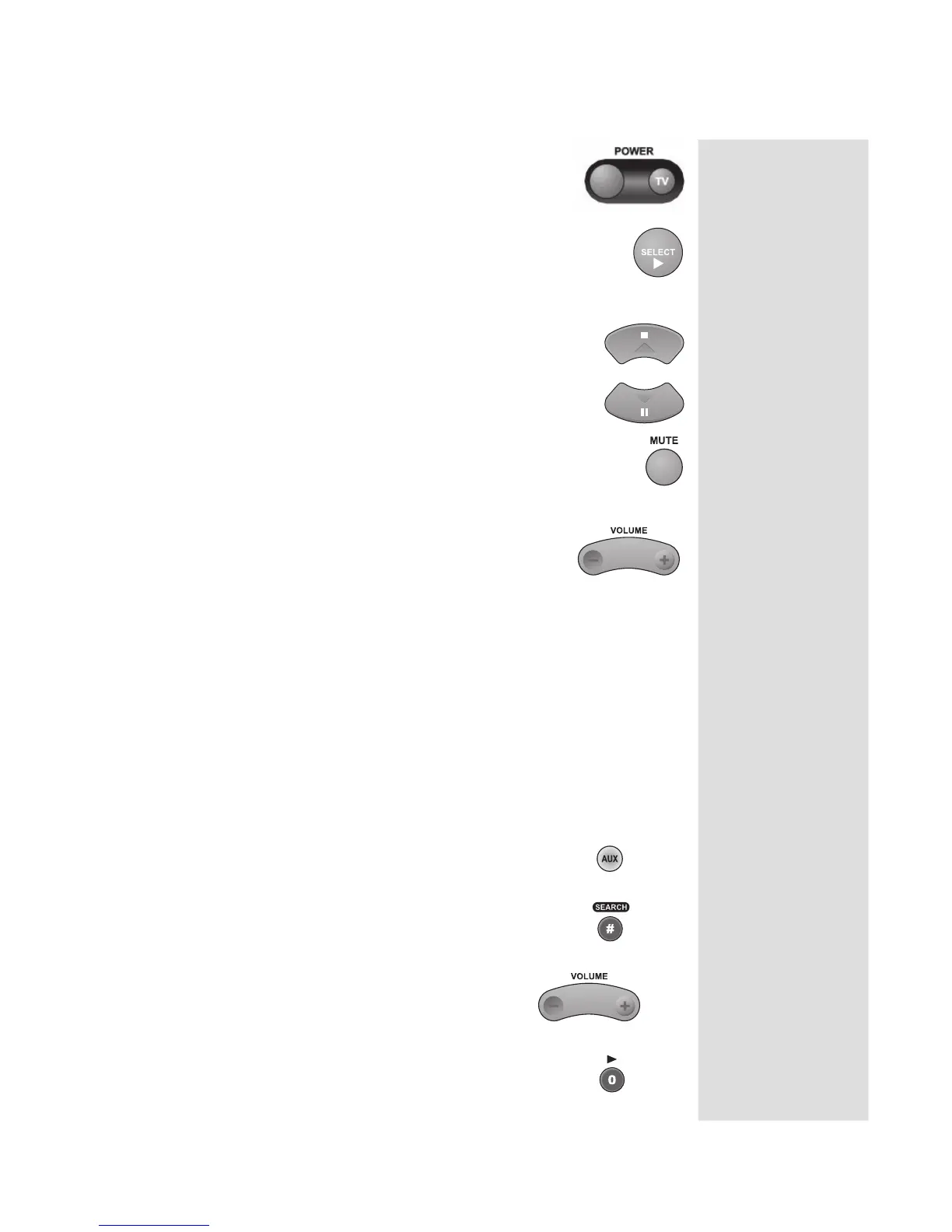
POWER BUTTON
Press the blank POWER button to turn the tuner or
amplifier ON or OFF.
SELECT BUTTON
This SELECT button works as the Input Select button for a
tuner or amplifier.
UP/DOWN (ARROW) BUTTONS
Use UP/DOWN ARROW buttons to change channels on
the tuner or amplifier.
MUTE BUTTON
Press the MUTE button to turn off the sound. Press it again to
restore the sound.
VOLUME BUTTON
Press the minus (-) side of this button to lower the sound
volume. Press the plus (+) side of this button to raise the
sound volume.
Note: See Using TV or Amplifier Volume Control to set up the remote
control to use the MUTE and VOLUME buttons.
USING TV OR AMPLIFIER VOLUME CONTROL
If you set up the remote to control a television, the MUTE and VOLUME
buttons—in any mode—control the TV volume. This does not apply if you
use the AUX mode to control a device that has a volume setting.
If you want to control a device programmed in the AUX mode that has
a volume setting, using any remote mode, do the following:
1. Press and hold the AUX mode button for
three seconds, then release it.
2. Press the POUND (#) button.
3. Press the plus (+) side of the VOLUME
button.
4. Press the 0 number button.











 To Next Page