Page 40
Chapter 3
Using the System
DELETING AN EVENT TIMER
1. Press the MENU button.
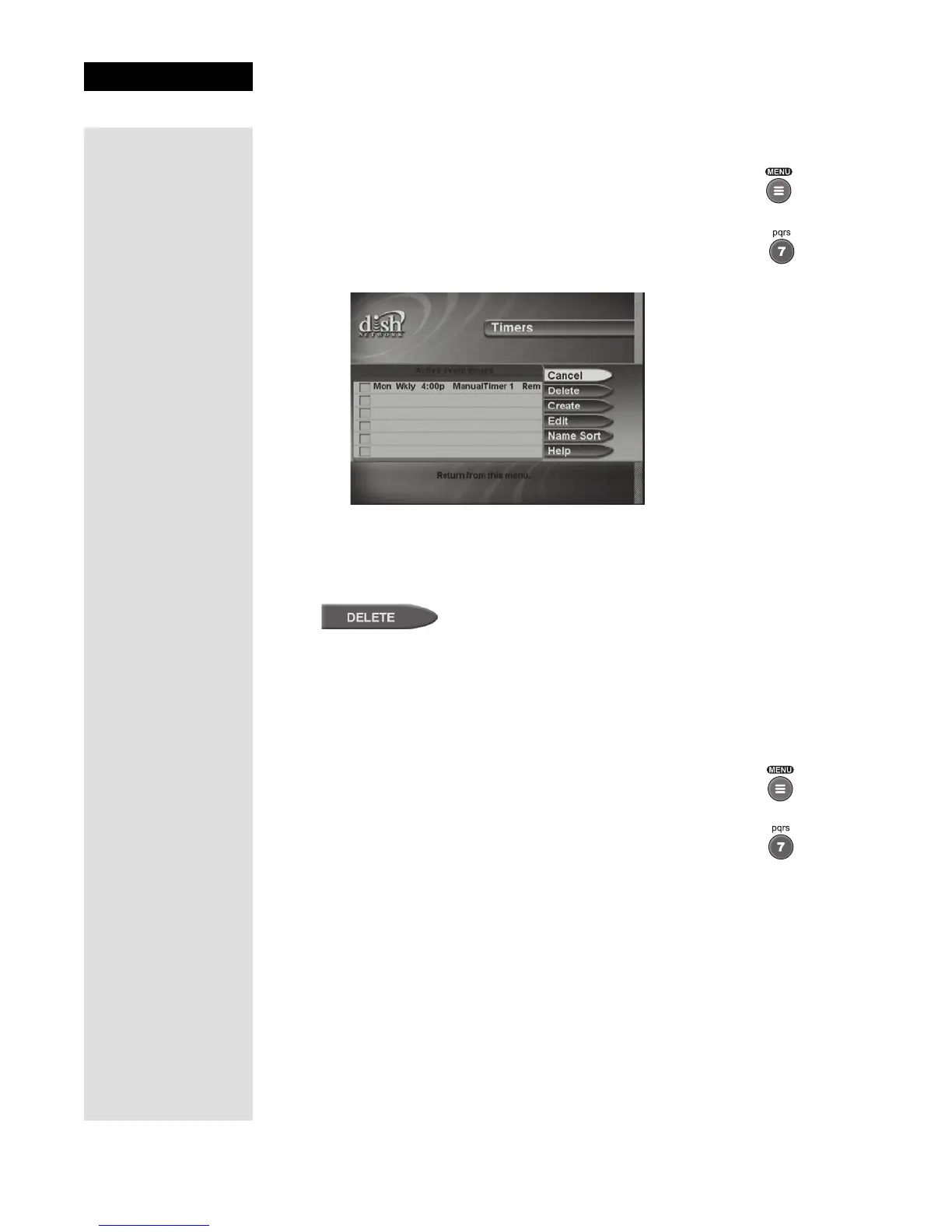
2. Select the Timers option.
The receiver displays the
Event Timer Management menu.
3. Select an event timer that you want to delete. A check mark appears in
the box next to the event timer.
4. Move to
Delete and press SELECT on the remote.
5. Repeat these steps for any other timer(s) that you want to delete.
REVIEWING EVENT TIMERS
You can review event timers by using the Event Timer Management menu.
1. Press the MENU button.
2. Select the
Timers option.
3. The receiver displays the
Event Timer Management menu.
CREATING VCR EVENT TIMERS
To use VCR Event Timers, you must connect the receiver’s back panel
audio/video outputs to the audio/video inputs on the VCR.
Then, you must set up the receiver to control the VCR. If the receiver can’t
control the VCR, use the
Auto/Ext timer type to tune the receiver to the
channel you want to record, and use the timers built into the VCR to start
and stop the VCR at the right times.











 To Next Page