Page 39
Using Timers
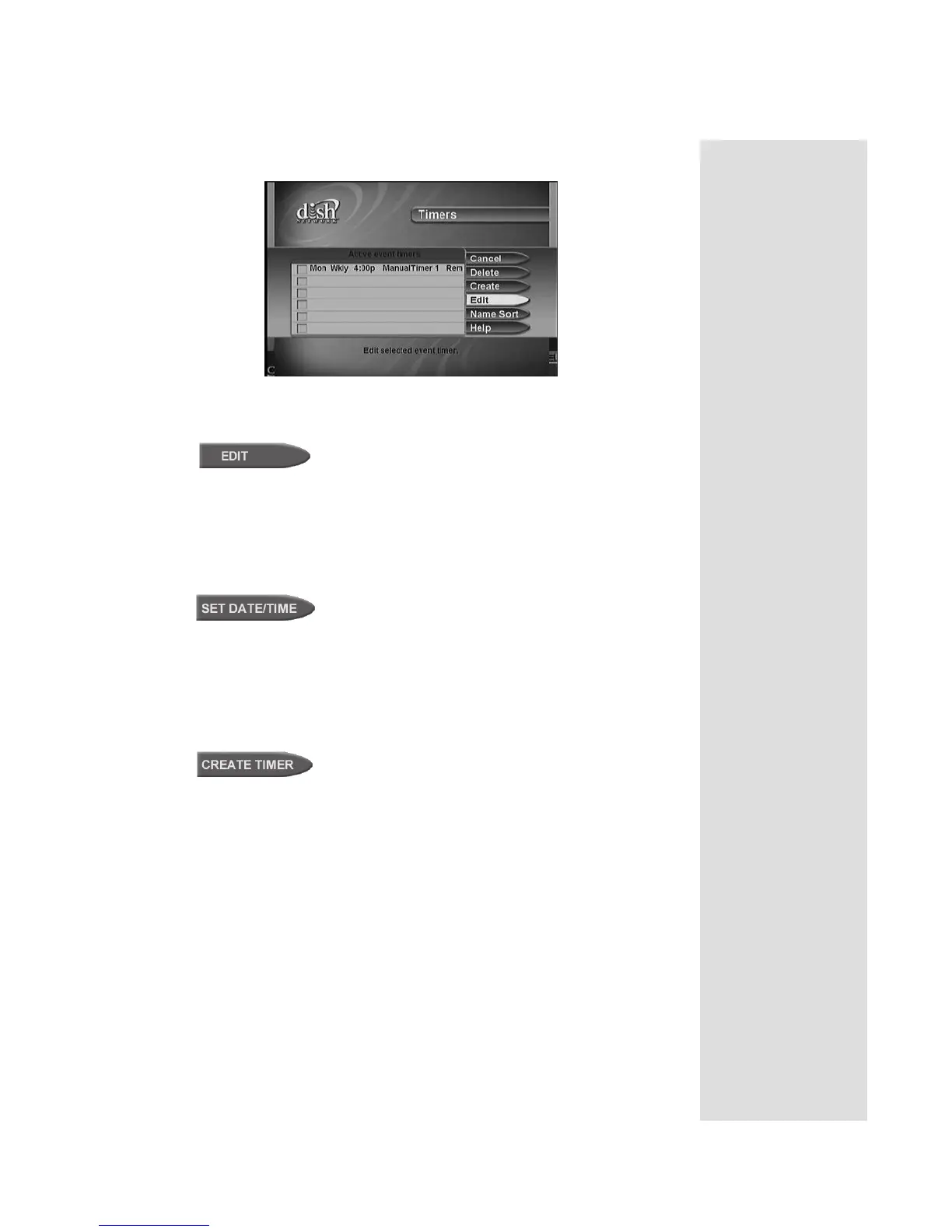
The receiver displays the Event Timer Management menu.
3. Select the event timer that you want to edit. A check mark appears in
the box next to the event timer. Select the Edit option.
4. You may change the
Timer Type, Timer Frequency, or Channel. To do
this, select each option that you want.
5. If you want to change the Start Time, the End Time, or the Date, select
the
Set Date/Time option to display the Set Day/Time for Manual
Timer menu. Otherwise, skip to step 8, below.
6. Use the NUMBER PAD buttons to enter the
Start Time (this includes
selecting
AM or PM) and the End Time (this includes selecting AM or
PM).
7. Use the NUMBER PAD buttons to enter the
Date.
8. Select the
Create Timer option.
Tip: Remember
that editing an
automatic event
timer converts the
timer to a manual
event timer. This is
why the receiver
displays the Edit a
Manual Event
Timer menu.











 To Next Page