JT520 Operator’s Manual Controls - 37
750/752 Display
CMW
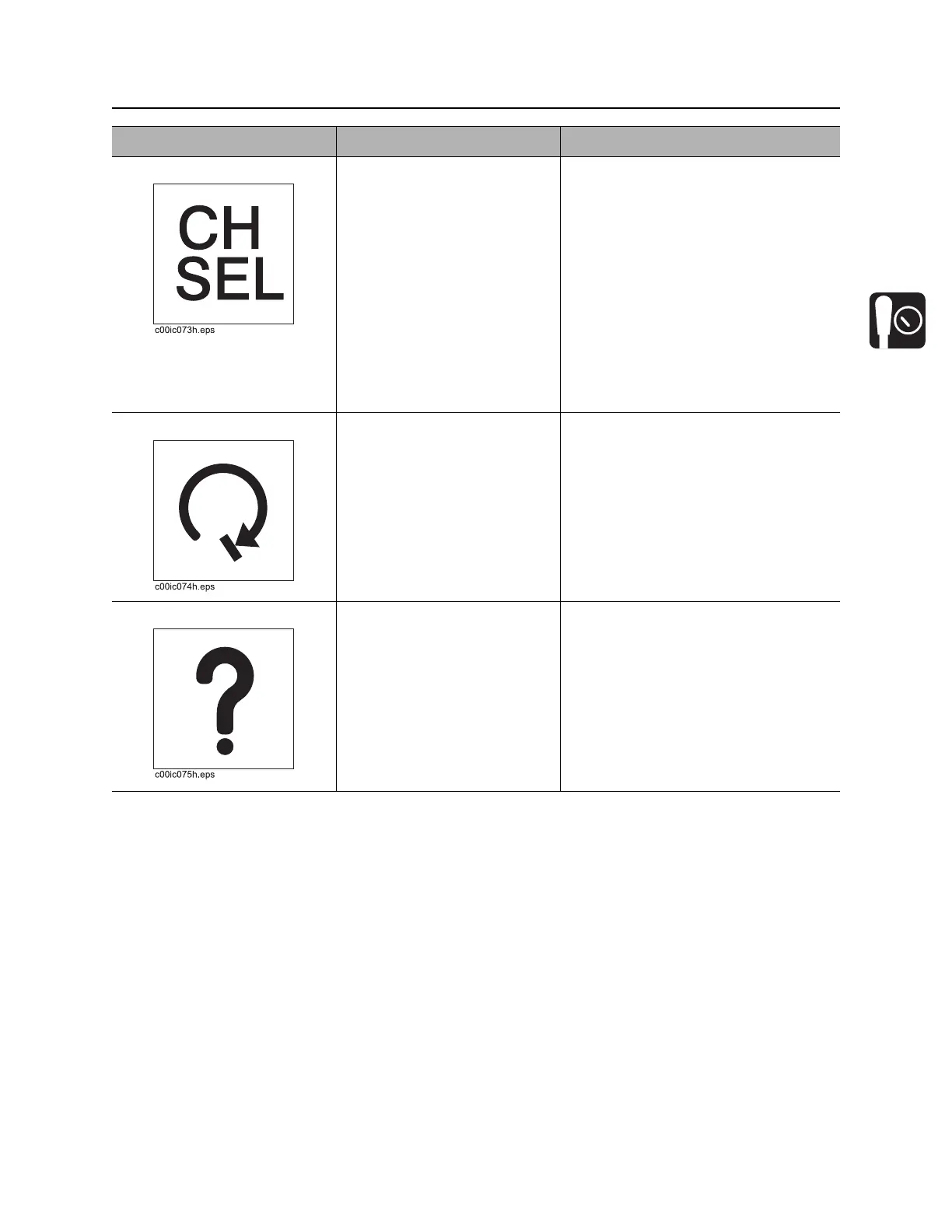
3. Channel select button To display current channel,
press and release.
To switch channels, press
and hold.
Second function:
To start a new job, press with
Recall button.
“Init” and job number will be
displayed.
Unit defaults to last channel used
each time unit is turned on.
IMPORTANT: Make sure display and
tracker are set to the same channel.
4. Roll stop button This feature is not yet
available.
5. Recall button To see data about pipe, press
and release.
Second function:
To access second functions,
press with other buttons.
Internal: shows data about previous
pipe.
External: shows data about next pipe.
Item Description Notes



 To Next Page