Controls - 38 JT520 Operator’s Manual
750/752 Display
CMW
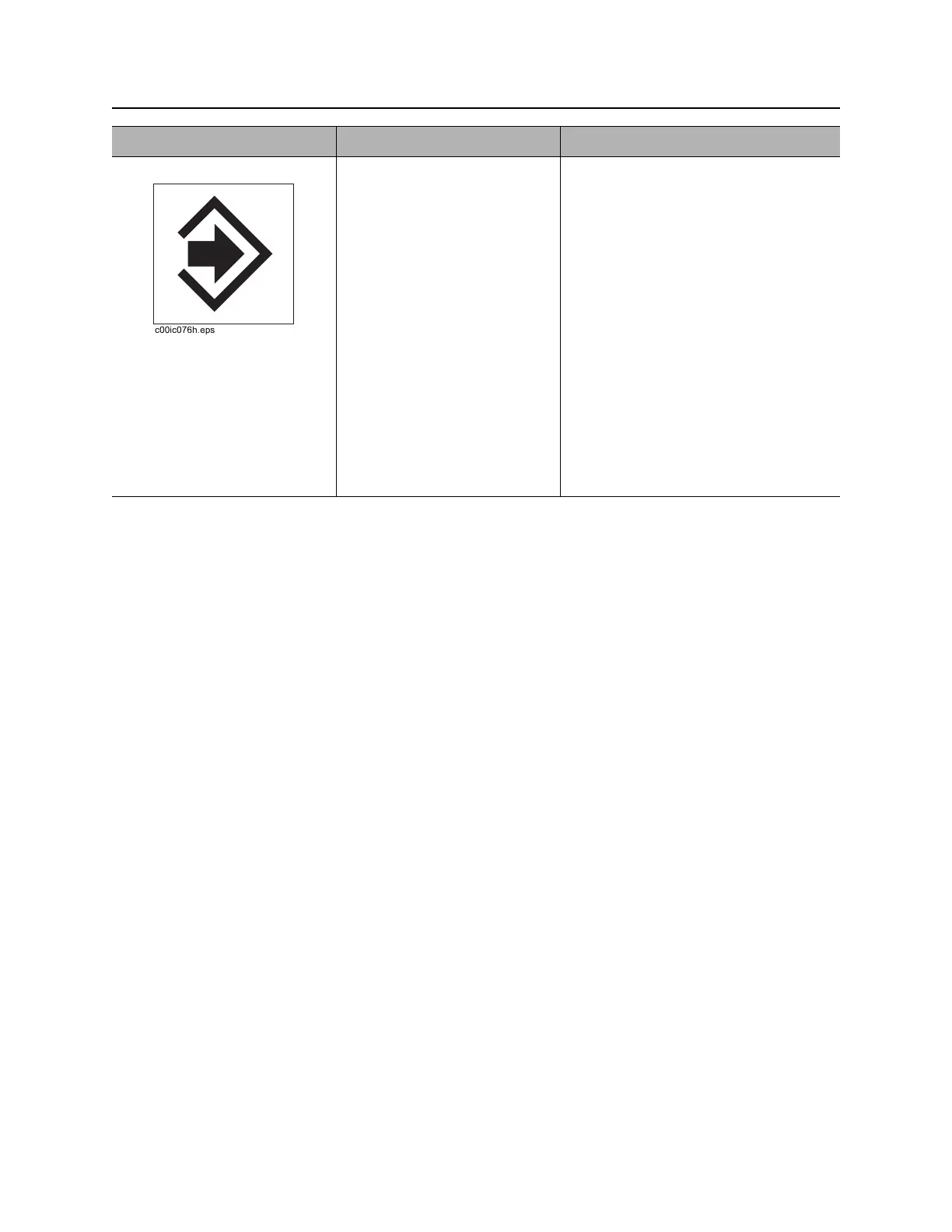
6. Store button To display serial number,
press and hold while pressing
on/off button.
To store current pipe data,
press.
Second function:
To download all jobs stored in
internal logging memory:
• Press with Recall button
• Connect display to PC
running Trac
Management System
software.
Pipe number will appear in numeric
display when data is stored.
IMPORTANT: Pipe data cannot be
stored without a valid depth estimate.
Item Description Notes



 To Next Page