SECTION 3 – ADJUSTMENTS
Speaker Volume
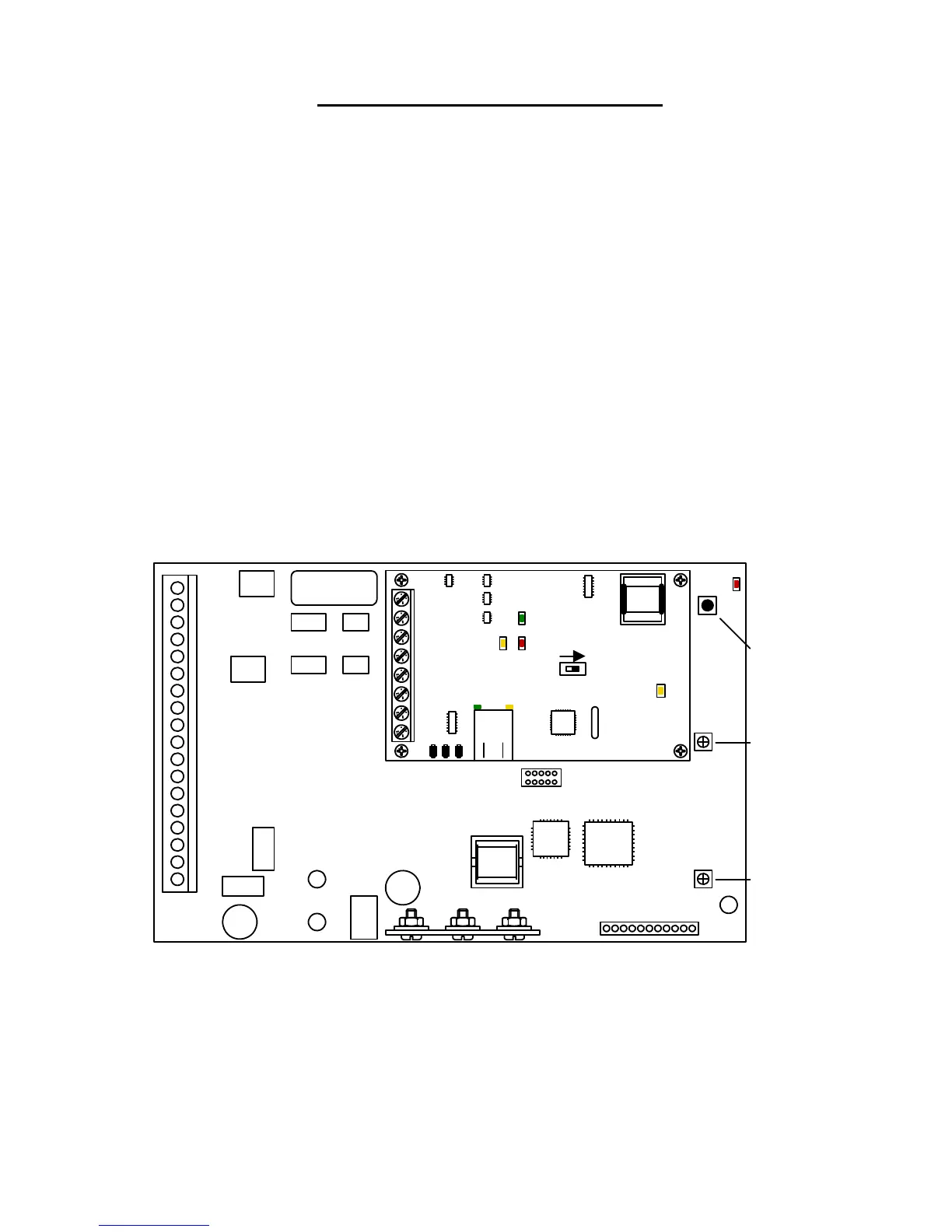
The speaker volume potentiometer is labeled SPEAKER VOL on the control board. The speaker
volume should be adjusted for adequate sound. Adjusting the speaker volume too loud could cause
feedback from the microphone.
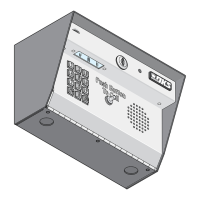
1. Open the front of the telephone entry system and locate the speaker volume adjustment.
2. Push the "Push To Call" button to place a call to the resident. While they are talking, adjust
the speaker volume potentiometer for adequate sound. To increase the volume rotate the
potentiometer clockwise, to decrease the volume rotate the potentiometer counter clockwise.
Microphone Gain
The microphone gain potentiometer is labeled MIC VOL on the control board. This adjustment
increases or decreases the loudness in the telephone handset in the house.
1. Open the front of the telephone entry system and locate the Mic Vol adjustment.
2. Push the "Push To Call" button to place a call to the resident. After they answer, adjust the
microphone gain and ask the resident to let you know when the loudness in their telephone
handset is set to a comfortable level.
Master Code
Push Button
Master Code
LED
Microphone
Gain Adjust
Speaker
Volume
Adjust
1
2
3
4
5
6
7
8
9
10
11
12
13
14
15
16
17
18
Mic
Vol
Master
Code
1 2 3 4 5 6 7 8 9 1011
Speaker
Vol
Keypad
ON
SW1 MODEM / TCP ENB
1
2
3
4
5
6
7
8
BAD DNS
RS-485 RX
LAN DOWN
Phone Line
In Use
LAN
Connection
Data
Transmit
1812-162-B-6-09 Page 47



 To Next Page