CAUTION:
Do not push or lean against the centrifuge while it is running.
Do not run the centrifuge when fragments or sample solutions are left in the centrifuge chamber.
Always keep the centrifugal chamber clean.
If the centrifuge makes strange noise during operation, stop it immediately and contact our service
center. Notify them of the warning code if displayed.
8.1 Normal Operation
Turn on the power switch, centrifuge will display the running interface last time after passing the
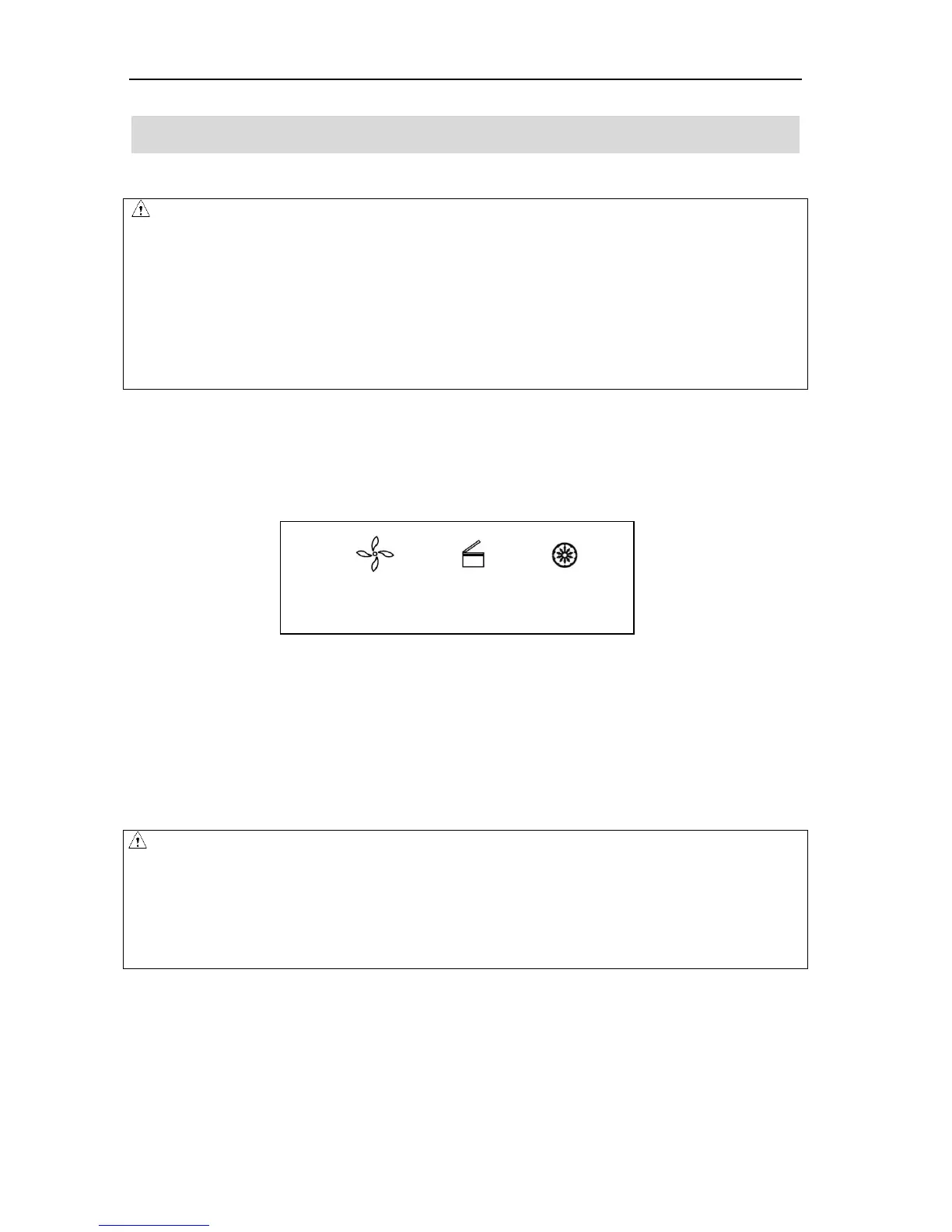
self-diagnostic checks, see figure 8-1 below:
Figure 8-1 the last running interface
Speed: 15000rpm. Running time: 12 minutes.
The door lock is released.
8.1.1 Rotor loading and removal
CAUTION
Attach the rotor to the rotor shaft. Ensure the rotor is in position and connected with the shaft,
tightening the locking nut to secure the rotor with shaft, to prevent the rotor damaging the centrifuge.
Ensure the rotor lid is firmly tightened to the rotor.



 To Next Page