Digital Monitoring Products, Inc. | 7800 Series Installation and Programming Guide 31
Carousel Z-Wave Items
Carousel Z-Wave Items allows you to select the
Z-Wave options to display in the carousel menu. Press
an item to select and a check–mark displays. Press
again to de–select that option. Items for the carousel
include Lights, Doors, Thermostats, and Favorites.
Press CMD at the bottom of the screen to advance to
the next options screen and the back arrow return to
the previous screen. Default is no items selected. See
Figure 14.
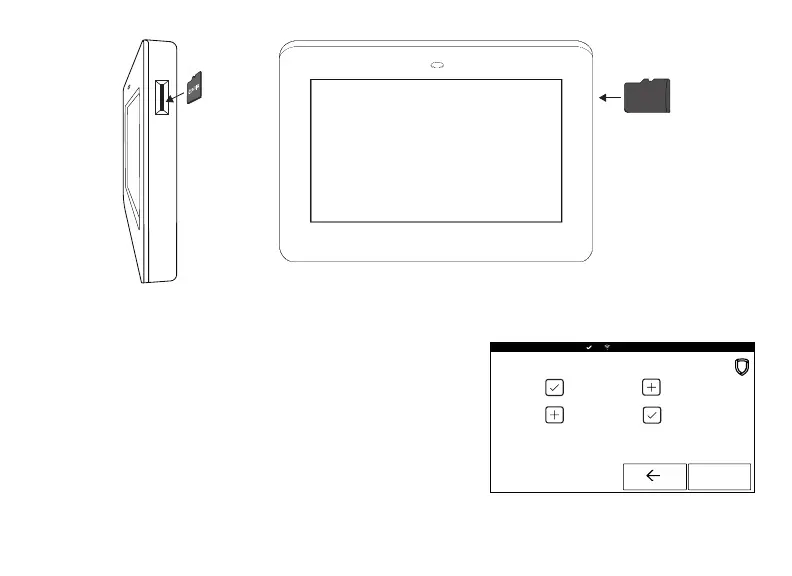
Figure 13: Inserting a microSD Card
microSD
Figure 14: Carousel Z-Wave
Items










 To Next Page