32 7800 Series Installation and Programming Guide | Digital Monitoring Products, Inc.
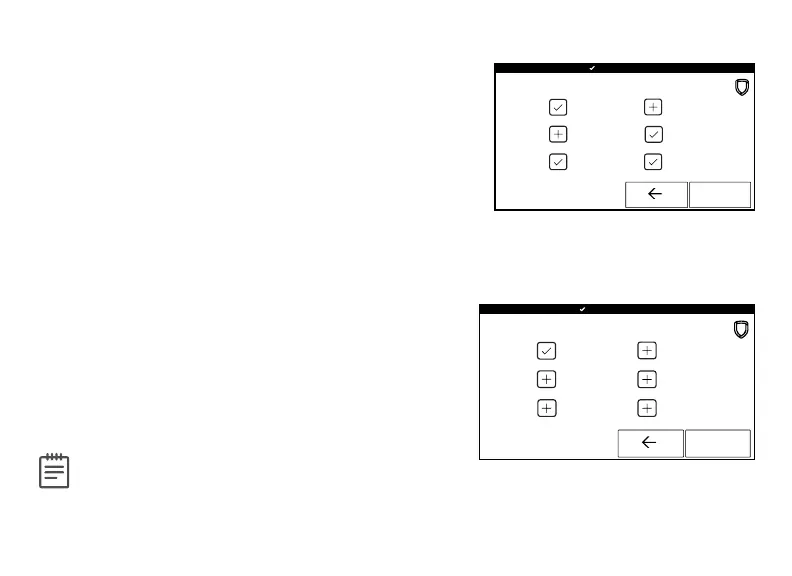
Select Language
Select Language allows you to select the language
for text on the home screen, the carousel menu
screens, and some programming screens. Press a
box to select a language and a check mark displays.
Press that box again to deselect that option. Only
one language can be selected at a time. Default is
English.
Note: The keypad does not translate
information from the panel that displays on
the keypad screen. See Figure 16.
Figure 16: Select Language
Figure 15: Shortcut Items
Shortcut Items
Shortcut Items allows you to select additional menu
items to display in the carousel menu. Press the item
to select and a checkmark displays. Press again to
deselect that option. Items for the carousel include
User Codes, Schedules, and Events. Default is no
items selected. Select Edit Z-Wave to display the Edit
Z-Wave icon for the Lights, Doors and Thermostats
screens. Select Edit Favorites to display the Edit
Z-Wave icon on the Favorites screen. See Figure 15.










 To Next Page