Dai Nippon Printing Co., Ltd.
[DP-DS620/DP-DS620 (A) Printer Driver] User’s Manual (For Windows 7, 8)
* A warning message is displayed when a media type not supported by the printer has been
loaded.(Figure 2.2.6.2)
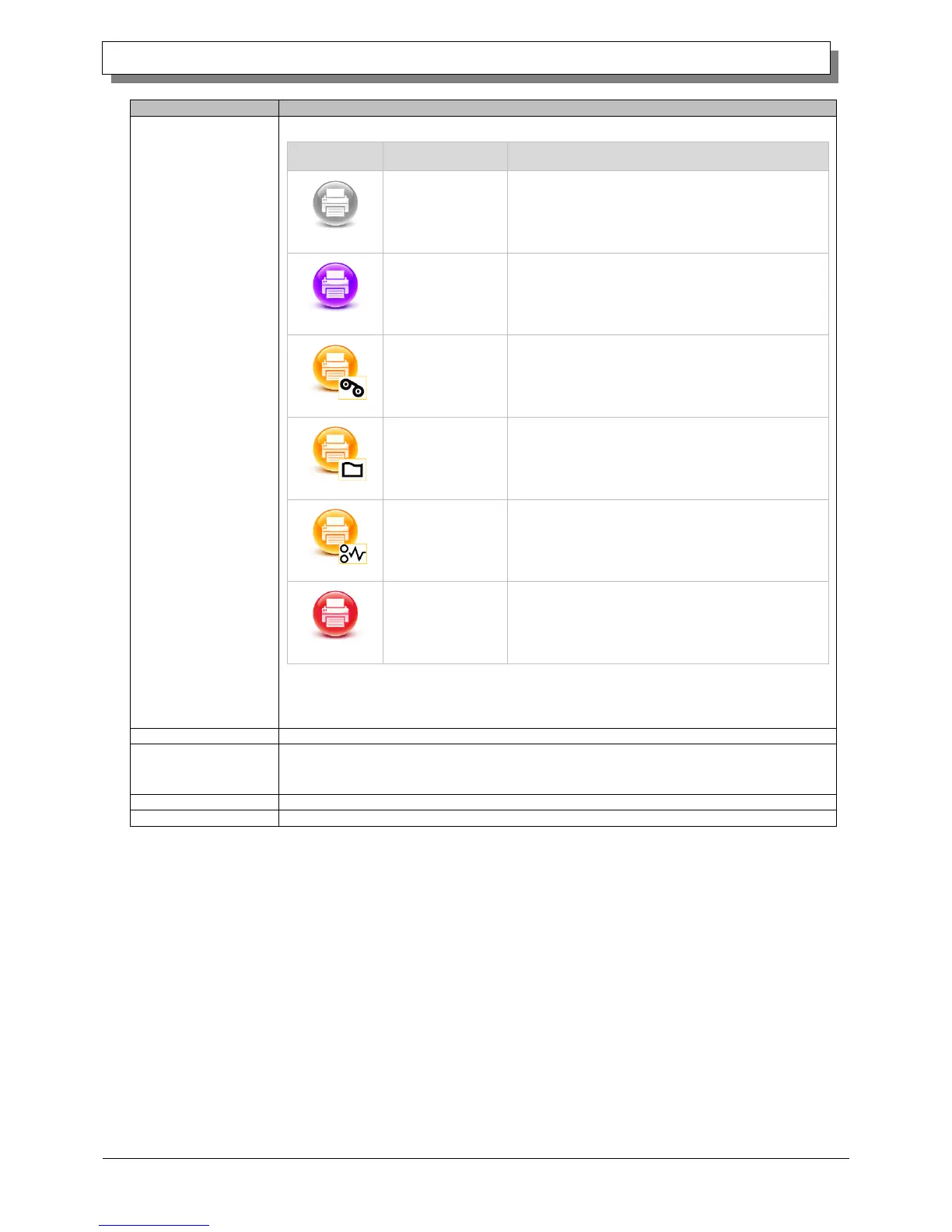
The printer cannot be recognized.
Connect the printer and computer, and then turn on
the power.
The head is being cooled.
Please wait a while. Printing will resume
automatically.
The ribbon is not set correctly.
Reload the ribbon properly.
The printer settings and size of the installed ribbon
do not match.
Check the paper size setting and ribbon size.
A paper jam was detected.
Remove the paper and reload it properly.
System error.
Restart the printer and computer. If the printer does
not recover after the restart, contact the service
center.
Total count of printed sheets (printing other than 6x4 or 5x3.5 size will count as two sheets).
Version of the control program of the printer. xx.xx indicates the version.
・DS620A xx.xx (For the United States)
・DS620 xx.xx (For other countries)
Serial number of the printer.
Printer color control data.



 To Next Page