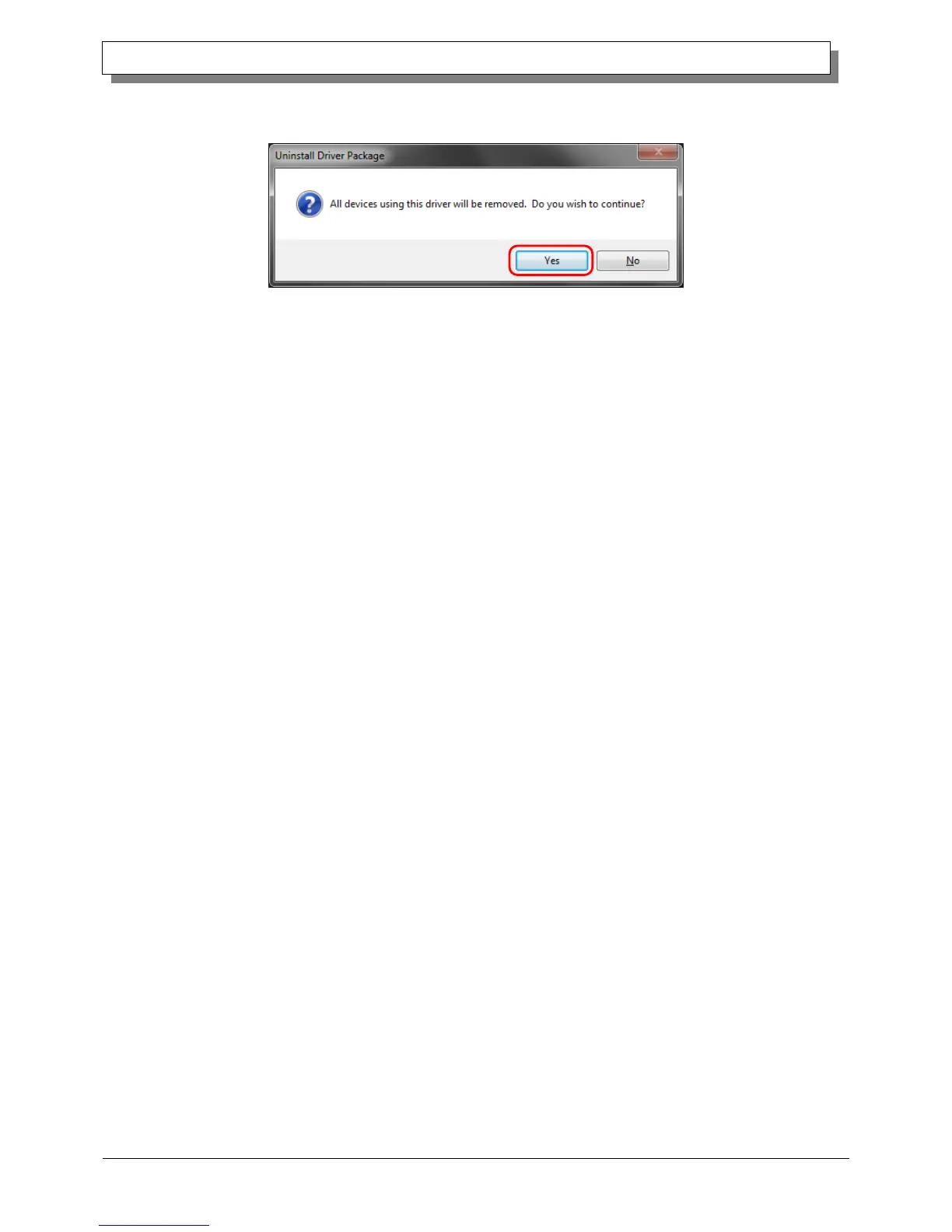
3) The Uninstall Driver Package screen appears. Click Yes. The program has been uninstalled.
After uninstalling the printer package, restart the computer.
Figure 3.11 Uninstallation confirmation
3. Install an upgrade for the printer driver
After deleting the printer and the printer driver, install the new printer driver. For the installation procedure, see
“Chapter 1 Installation”.
4. Restart the computer
After the installation of the printer driver is complete, always restart the computer.
(Do not print just after installation. Always restart the computer once.)



 To Next Page