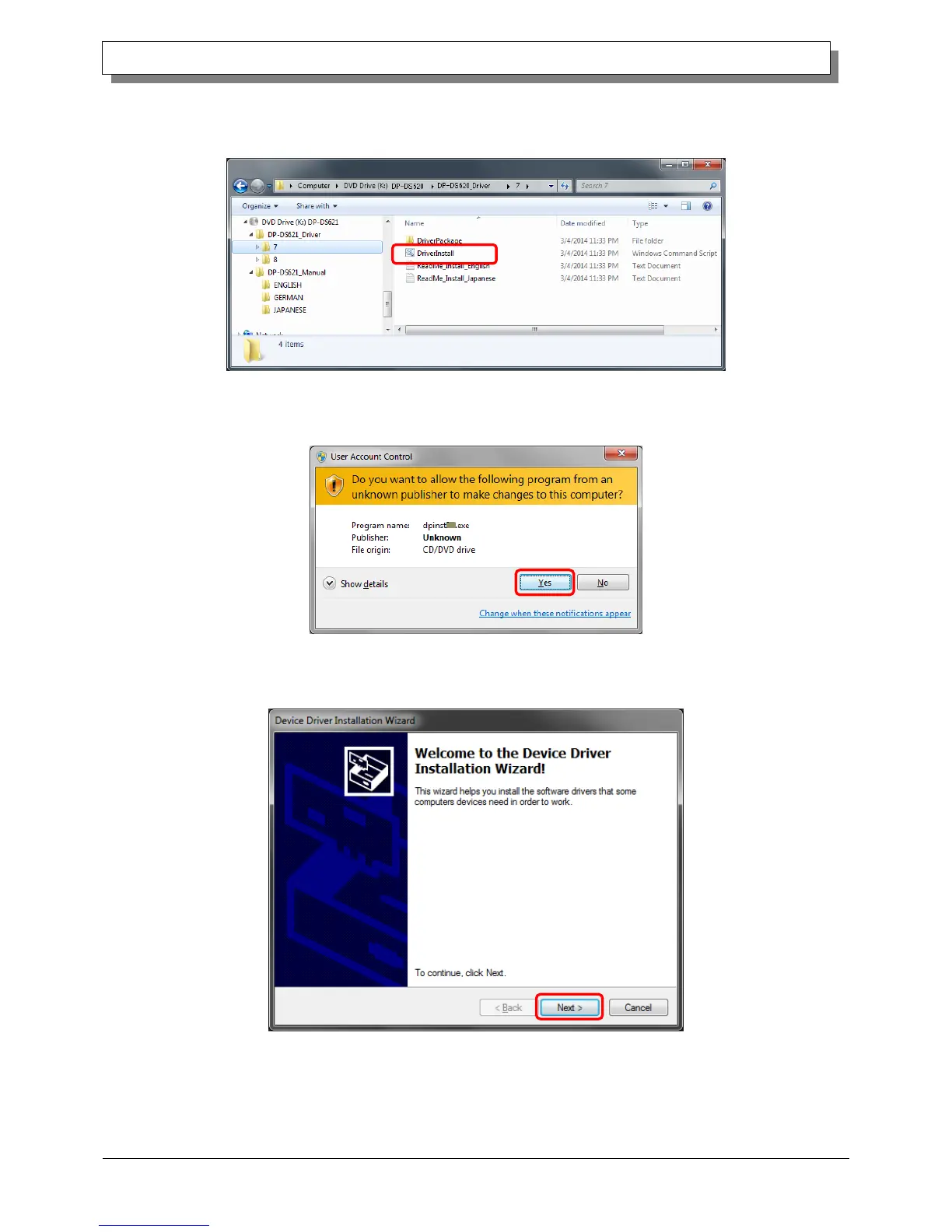
In the selected folder, double click the following file: DriverInstall.CMD. (Depending on your usage environment,
the .CMD extension may not be displayed.)
The driver package installer appropriate for your operating system (32-bit or 64-bit) is selected automatically.
Figure 1.2 Installation file
When a User Account Control dialog box appears, click Yes.
Figure 1.3 User Account Control
The Welcome to the Device Driver Installation Wizard! screen appears. Click "Next".
Figure 1.4 Start of Installation Wizard



 To Next Page