DNP IMS America Corp. 11
Properties Software Update Procedure
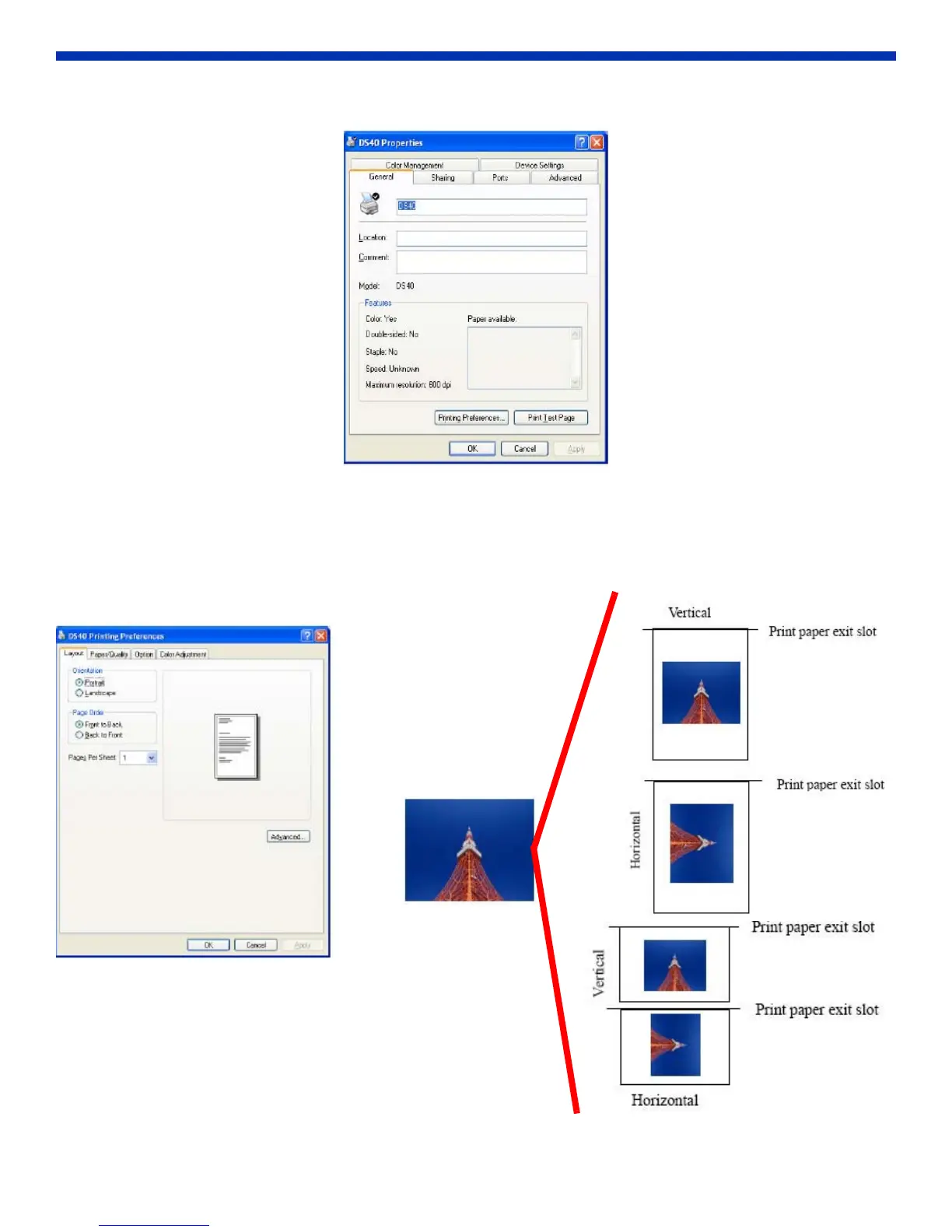
3. The DS40 Properties window will open.
Figure 24. DS40 Properties
Explanation of Print Setting Functions
By selecting Printing Preferences from the Properties window, you can make changes to various settings.
Layout Tab
Assign the print orientation as portrait or landscape.
Figure 25. Layout
Orientation:
Assign print orientation as vertical or horizontal.



 To Next Page