DNP IMS America Corp. 17
Properties Software Update Procedure
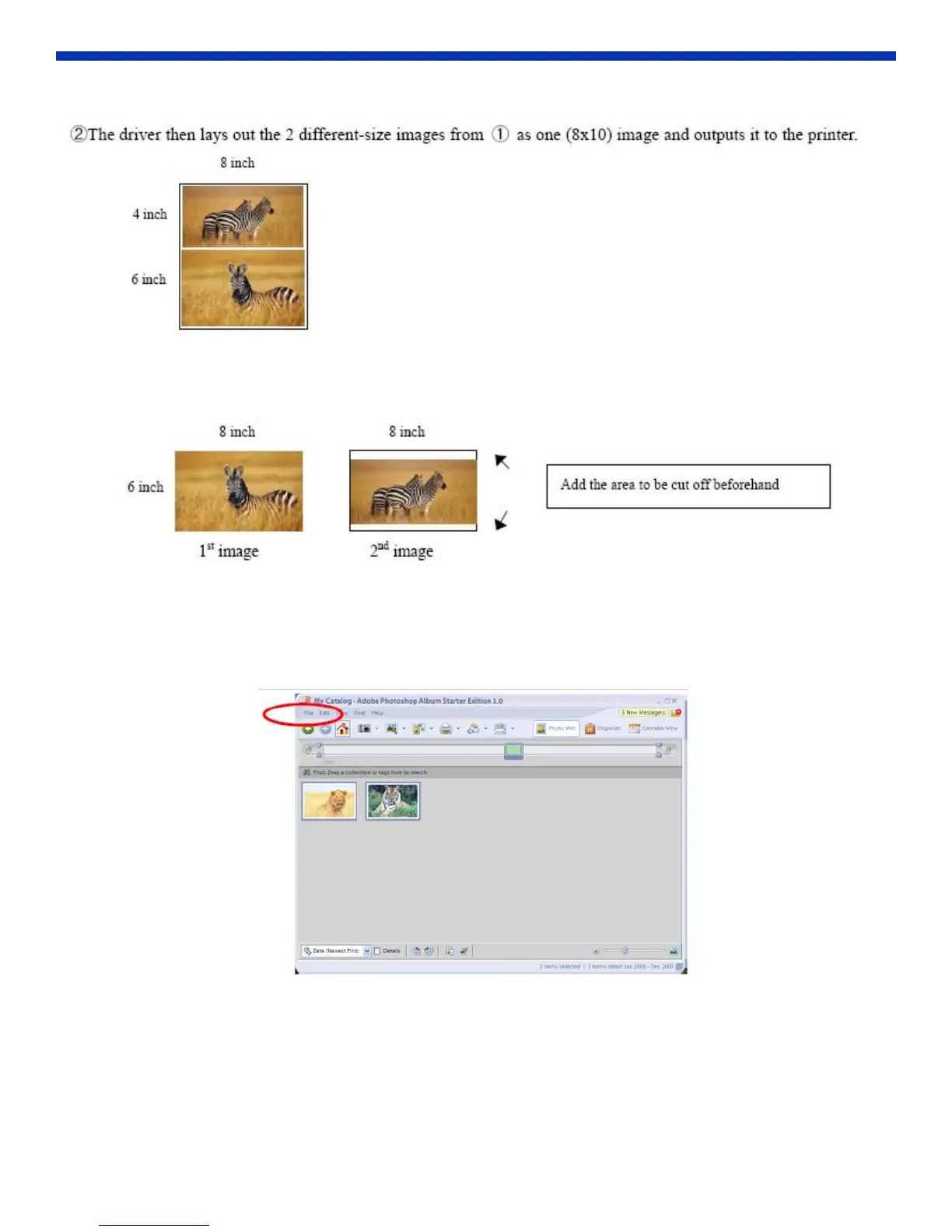
Example – When outputting the original image to the driver, the first and second images are created as the same size.
Factor in the space that will be cut off from the second image.
Using the Application
The following is an example of how to use Adobe Systems Photoshop Album to print.
1. Using File > Get Photo, select two or more images to print. Go to File > Print.
Figure 28. Print



 To Next Page