DNP IMS America Corp. 23
Properties Software Update Procedure
Default Values for Various Settings
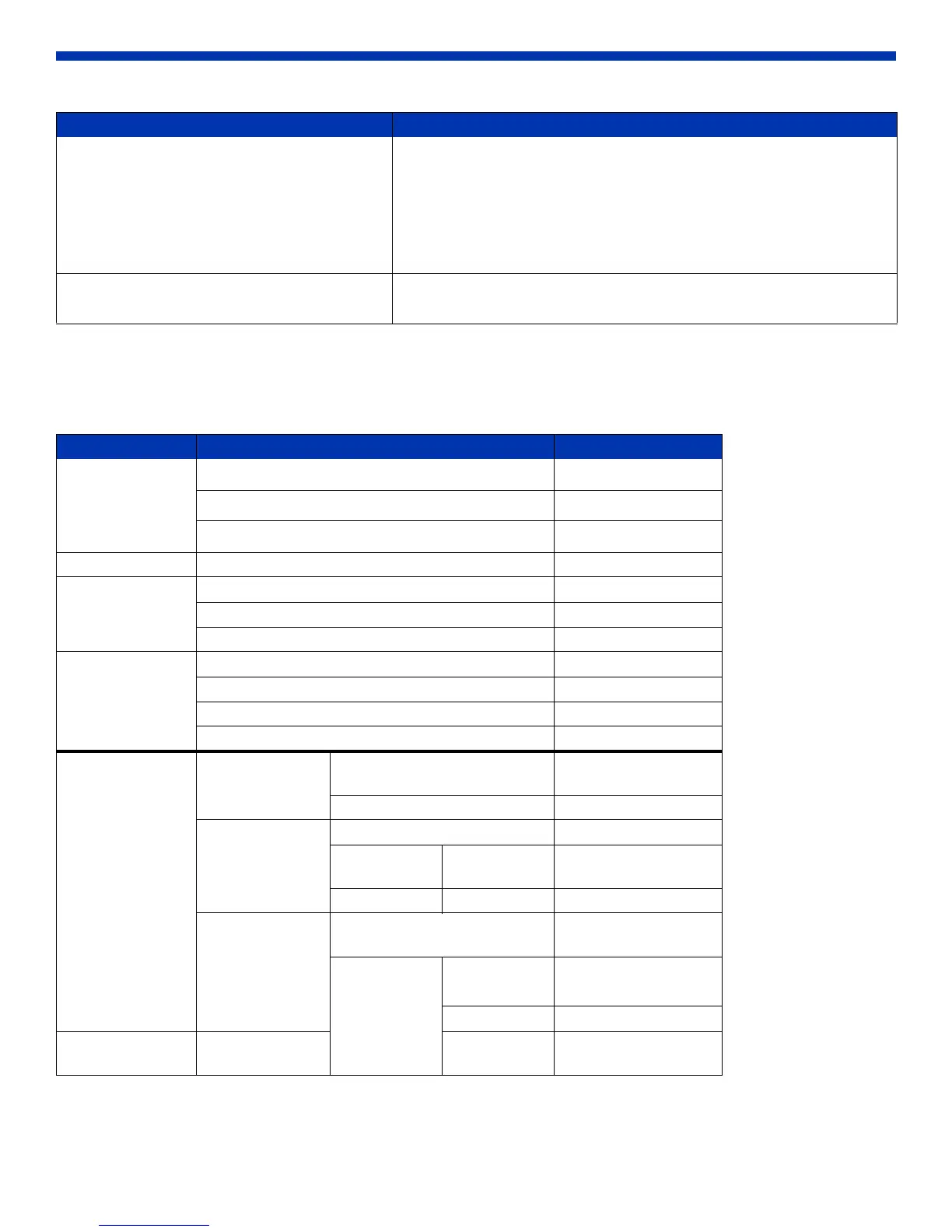
Default values for each option (at the time of installation) are shown below. If the printer driver does not work correctly after
changing the options, return to the default settings.
Contrast -100(weak) ~ 100(strong) (0 means no adjustment)
Adjusts the contrast of the image. The larger the value, the greater the
contrast.
Synchronous check box
ON: sets RGB at the same value
OFF: sets RGB at a different value
Chroma -100(weak) ~ 100(strong) (0 means no adjustment)
Adjusts the color saturations of the image.
Tab Options Default
Layout
Orientation
Portrait
Page Order
Front to Back
Pages Per Sheet
1
Paper/Quality Color Color
Frame Disable
Option Sharpness 0 (Default)
Color Adjustment ICM
Gamma 0
Color Brightness 0
Adjustment Contrast 0
Chroma 0
Paper/Output Paper Size DS40 (6x4)
DS80 (8x10)
Copy Count 1
Print Quantity 300 x 600 dpi
Advanced
(click
Advanced on Layout tab)
Graphic Image Color
Management
ICM Method ICM Handled by Host
System
ICM Intent Pictures
Document
Options
Advanced Prin ting Features Enable
Printer
Features
Border Disable
Dual Image Off
Overcoat
Finish
Glossy
Adjustment Item Adjustment Value



 To Next Page