10 DNP IMS America Corp.
Properties Software Update Procedure
Opening Printer Properties
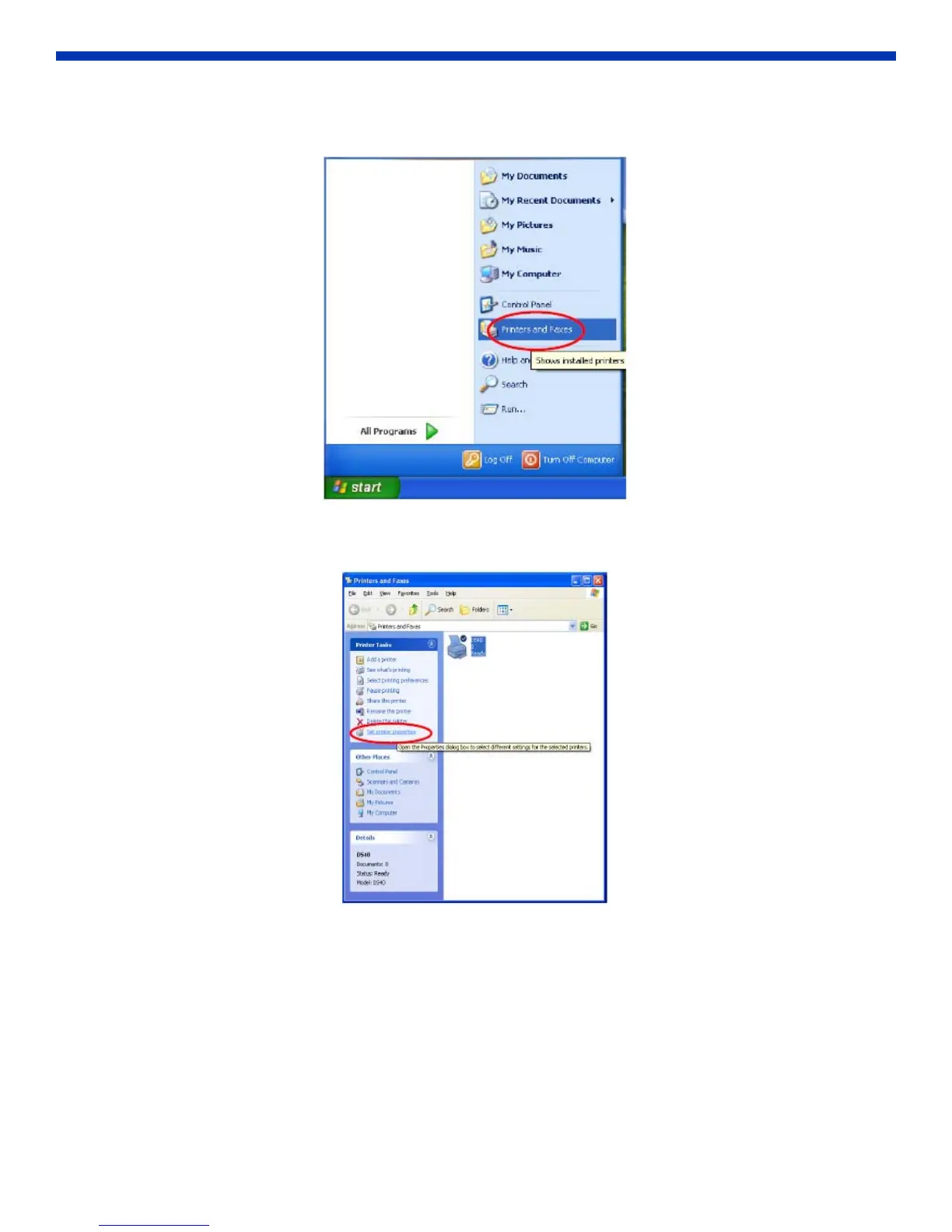
1. Go to the Start menu and select Printers and Faxes.
Figure 22. Printers and Faxes
2. Select the DS40 printer. Click on Set printer properties in the Printer Tasks menu.
Figure 23. Set Printer Properties



 To Next Page