DNP IMS America Corp. 9
Properties Software Update Procedure
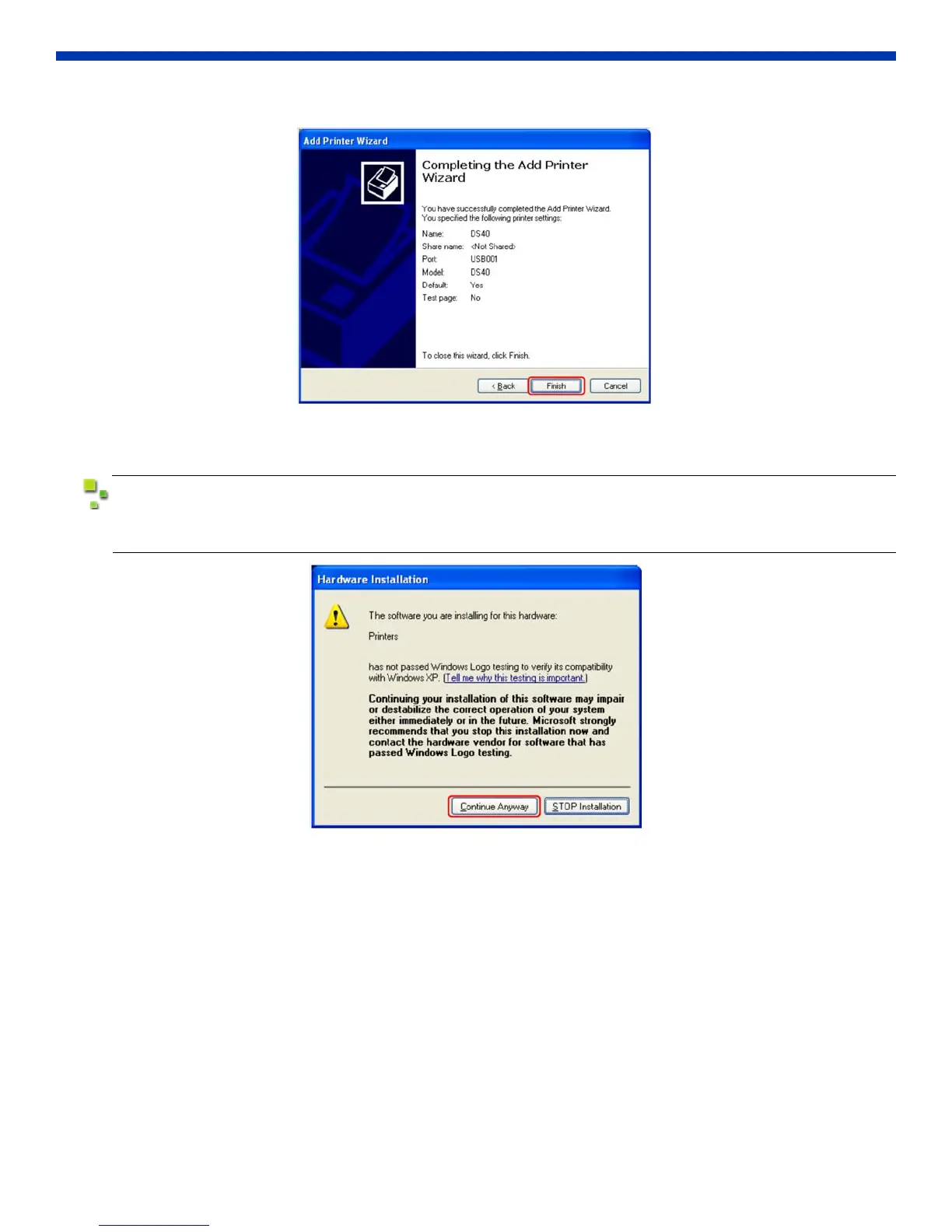
11. Click Finish.
Figure 20. Finish
12. Restart the system.
When installing the software, the following message may appear.
Click Continue Anyway to proceed.
Figure 21. Windows Logo Test
PROPERTIES
Various printer settings can be changed using the DS40/DS80 Driver properties. As a rule, the printer settings should not
be altered. Use the default settings present at installation.



 To Next Page