8 DNP IMS America Corp.
Install from the Add Printer Wizard Software Update Procedure
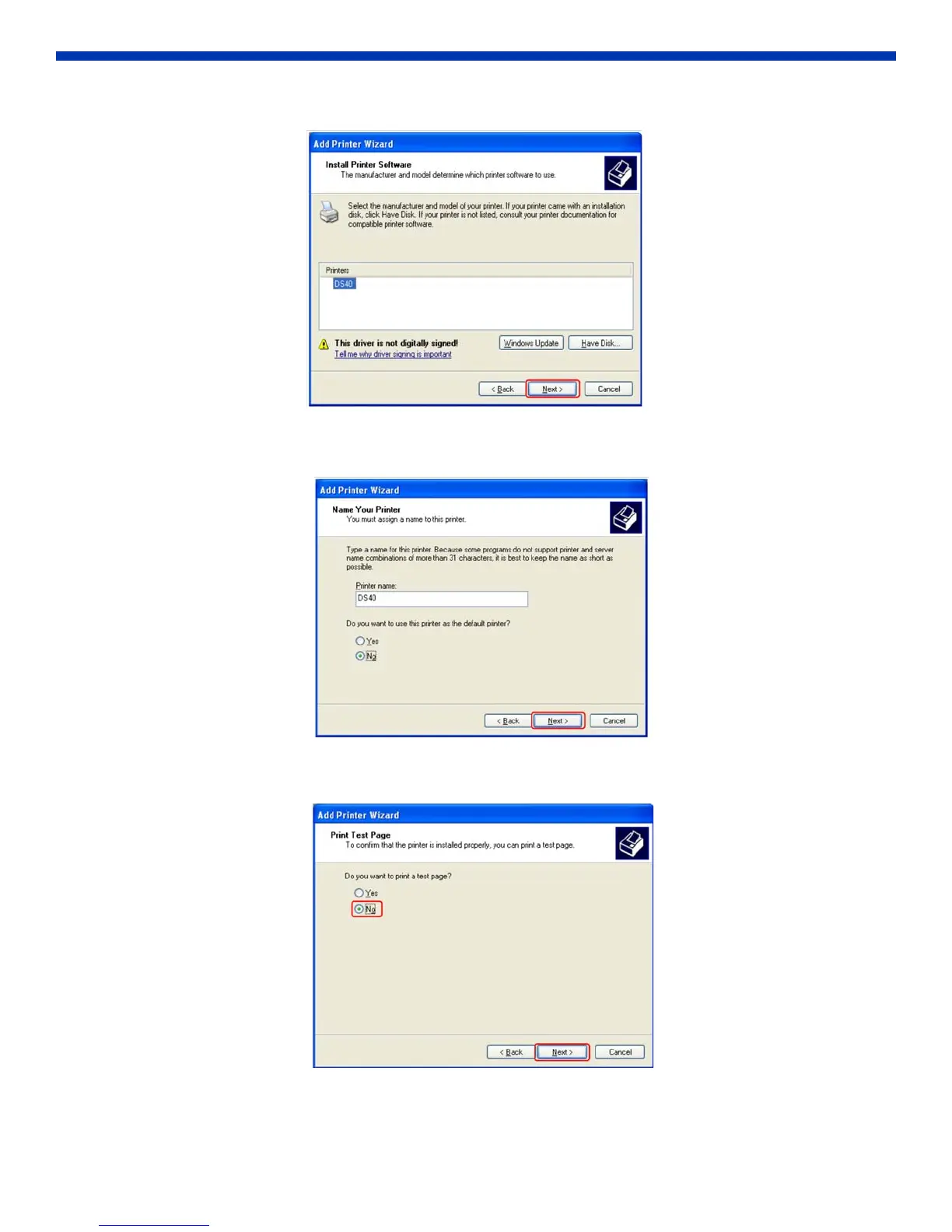
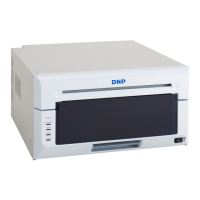
8. Confirm that DS40 is listed under Printers. Click Next.
Figure 17. Printers
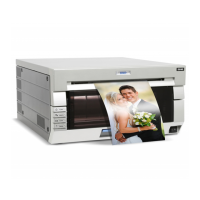
9. Assign a name to the printer and click Next.
Figure 18. Name Your Printer
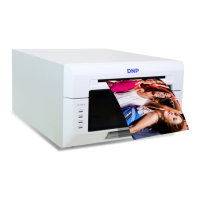
10. In the Print Test Page window, select NO. Click Next.
Figure 19. Print Test Page


 To Next Page