3.6. ADD Mode
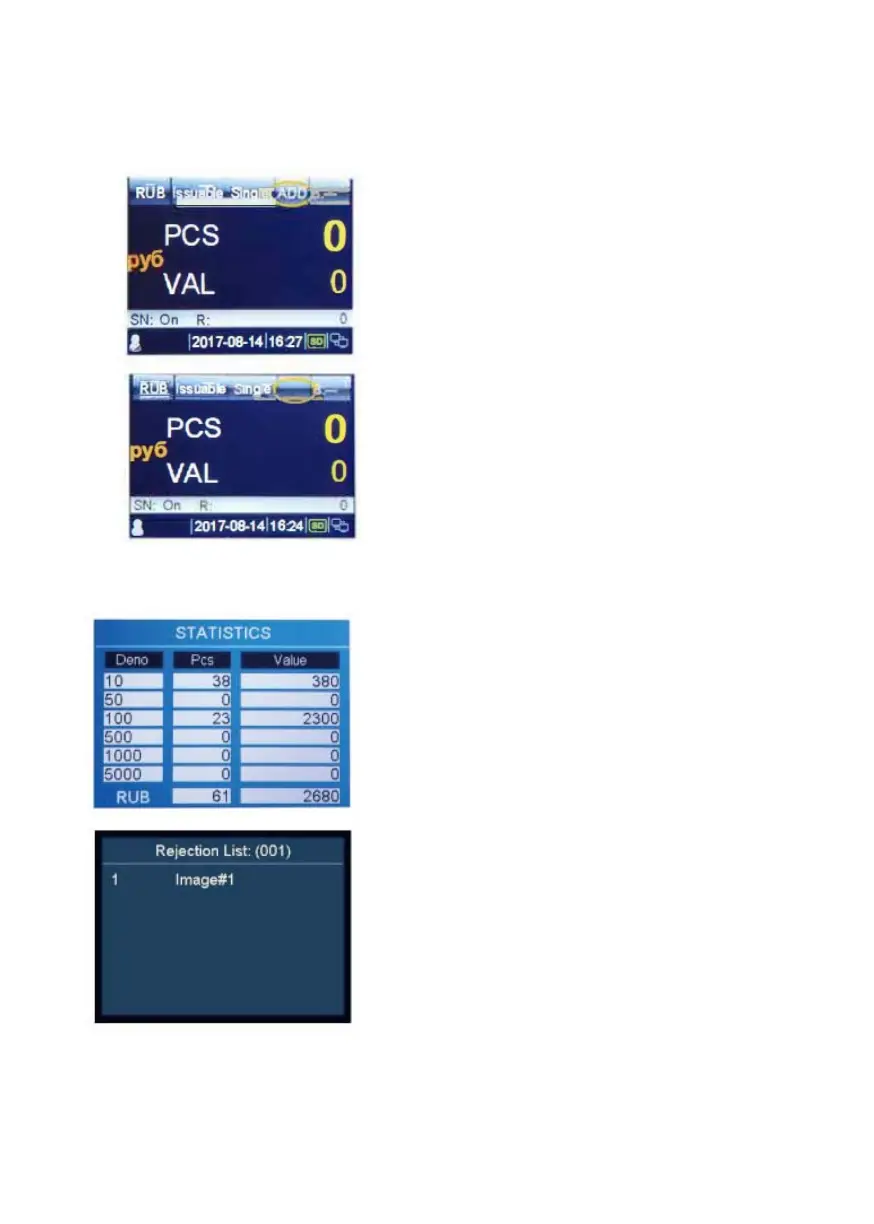
In ADD mode, all counting results are accumulated.
1. Press ADD to switch between
ADD mode on/off.
When ADD mode is turned on,
the "ADD" appears in the top line
of the display.
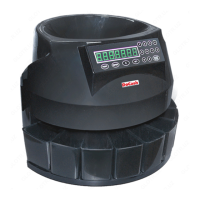
When ADD mode is turned off,
the "ADD" disappears from the
display.
3.7. Counting Information
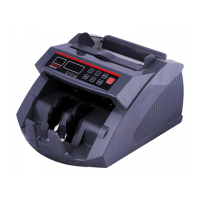
1. When banknote processing is done,
press DISPLAY to go to the report
menu. You will now see the count
result overview, showing quantity and
value each denomination of the
accepted banknotes.
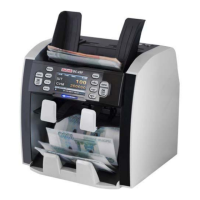
2. Reject Reasons
Press FITNESS until the screen shows
Rejection List. You will see for each
rejected banknote the reason why or on
which security feature it has been
rejected. If the machine rejects all
banknotes, you can view the reject
reasons by using DISPLAY.
DoCash DC-45F
13
www.docash.de


 To Next Page