4.4 Sound Settings
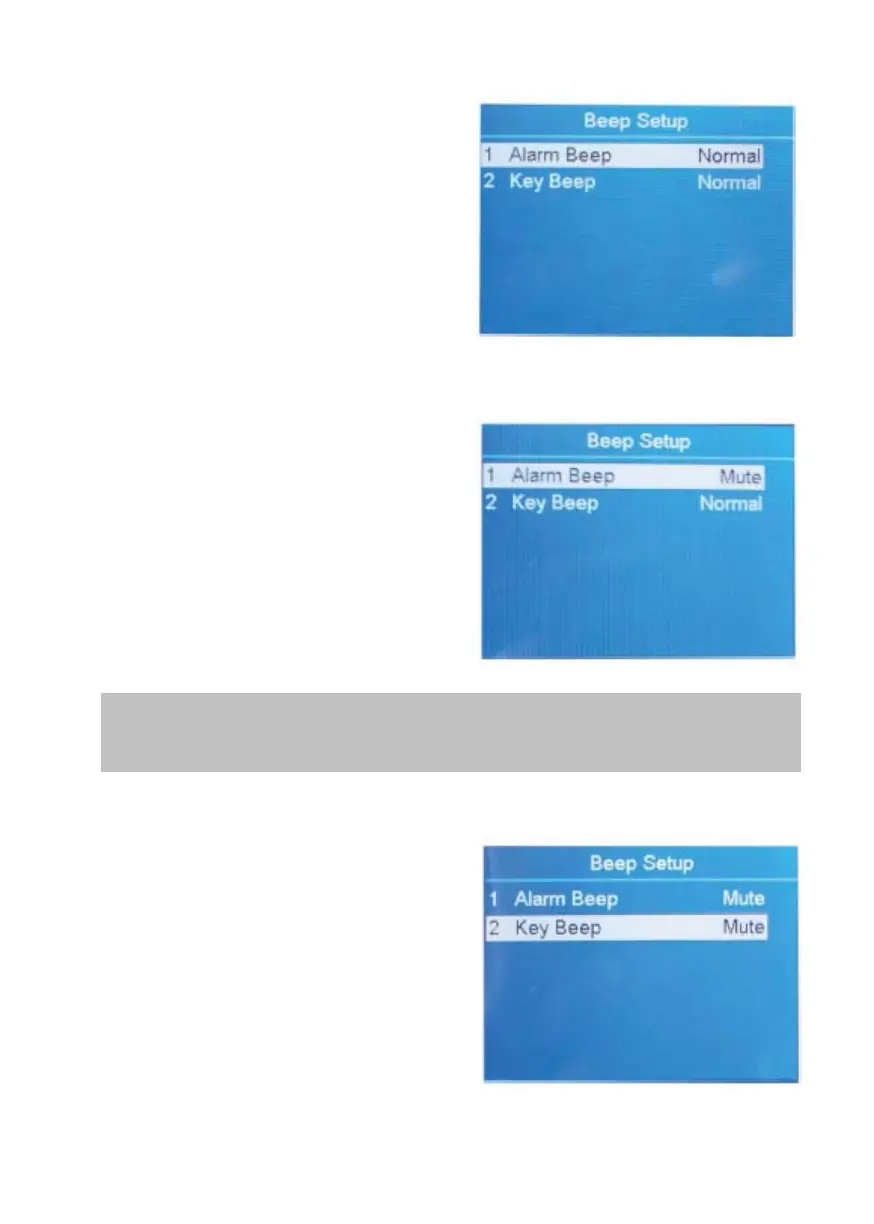
1. Highlight the "3 Beep Setup" item.
2. Confirm the selection with
RESET.
4.4.1 Alarm Settings
How to turn on/off the error message
alarm.
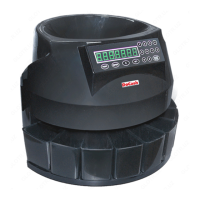
1. Highlight the "1 Alarm Beep"
item.
2. Switch between Alarm Beep
Normal and Mute by using ADD or
PRINT.
3. Confirm the selection with
RESET.
4. To leave this menu, press MENU.
When Alarm Beep is on, the machine will sound 3 beeps when
there is a rejected banknote.
4.4.2 Key Beep Settings
How to turn on/off the Key Beep.
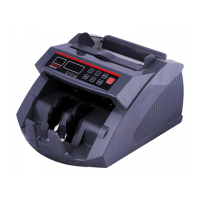
1. Highlight the "2 Key Beep" item.
2. Switch between Key Beep Normal
and Mute by using ADD or PRINT.
3. Confirm the selection with
RESET.
4. To leave this menu, press MENU.
DoCash DC-45F
16
www.docash.de


 To Next Page