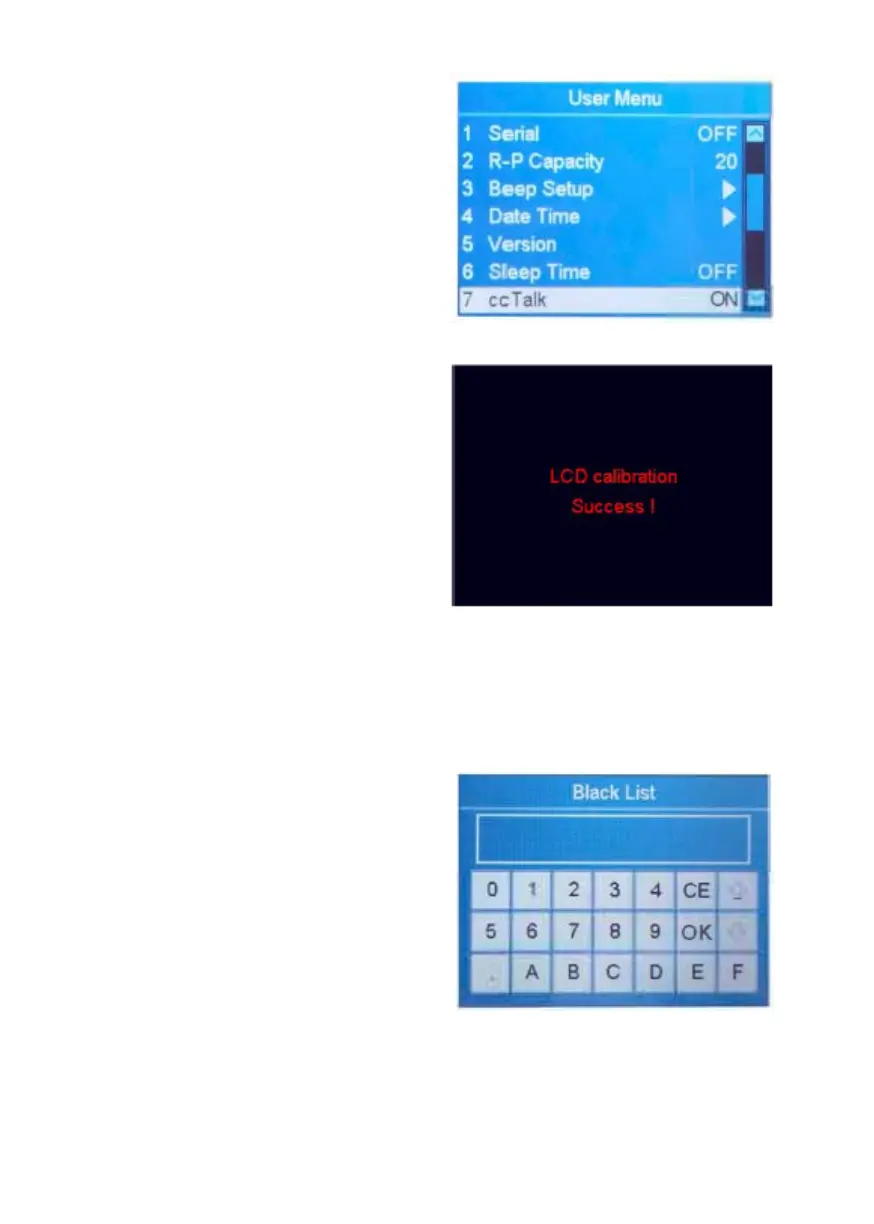
1. Highlight the "7 cc Talk" item.
2. Use ADD or PRINT to toggle
between ON and OFF.
3. Press RESET to confirm.
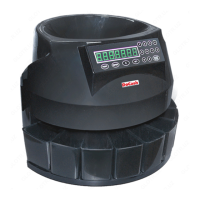
4.9 Touch Calibration
1. Highlight the "8 Touch
Calibration" item.
2. Confirm the selection with
RESET.
3. Follow the on-screen instructions
to touch the red dot by finger.
4. To leave this menu, press MENU.
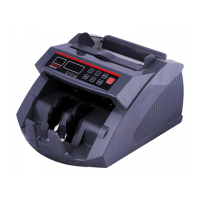
4.10 Set Up Blacklist
1. Highlight the "9 Black List" item.
2. Confirm the selection with
RESET.
3. Press PRINT button and a new
window will appear.
4. Enter the information of
counterfeit notes by using touch
screen, confirm with OK.
5. To leave this menu, press MENU.
NOTE: To delete the blacklist, select
the desired item, press and hold
CLEAR.
DoCash DC-45F
19
www.docash.de


 To Next Page