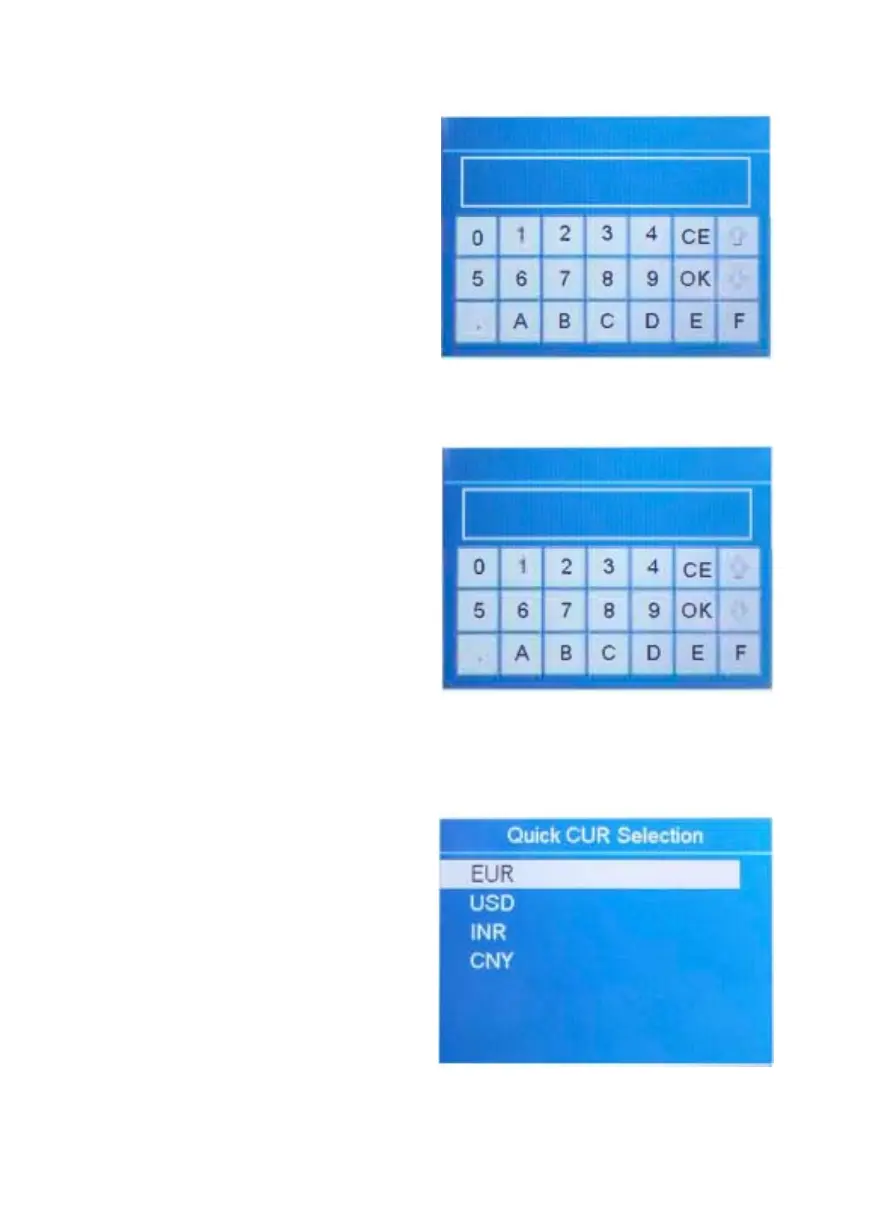
4.14 Set Up Bank ID
1. Highlight the "13 Bankinfo."
item.
2. Confirm the selection with
RESET.
3. Enter the bank's ID by using
touch screen, confirm with OK.
4. To leave this menu, press MENU.
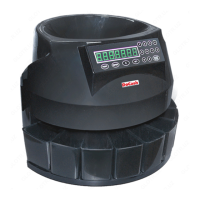
4.15 Operator ID Setting
1. Highlight the "14 Operator No."
item.
2. Confirm the selection with
RESET.
3. Enter the operator's ID by using
touch screen, confirm with OK.
4. To leave this menu, press MENU.
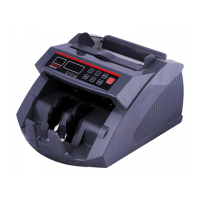
4.16 Quick Currency Selection
1. Highlight the "15 Quick C U R
Selection" item, and confirm with
RESET.
2. Select the desired currency by
using navigation keys, and then
confirm with RESET.
3. To leave this menu, press MENU.
Note: For DP-8128 model, it's not
equipped with LA N port, so
chapter "4.11 Network setting" and
chapter "4.12 Network protocol
setting" are not available here.
DoCash DC-45F
21
www.docash.de


 To Next Page