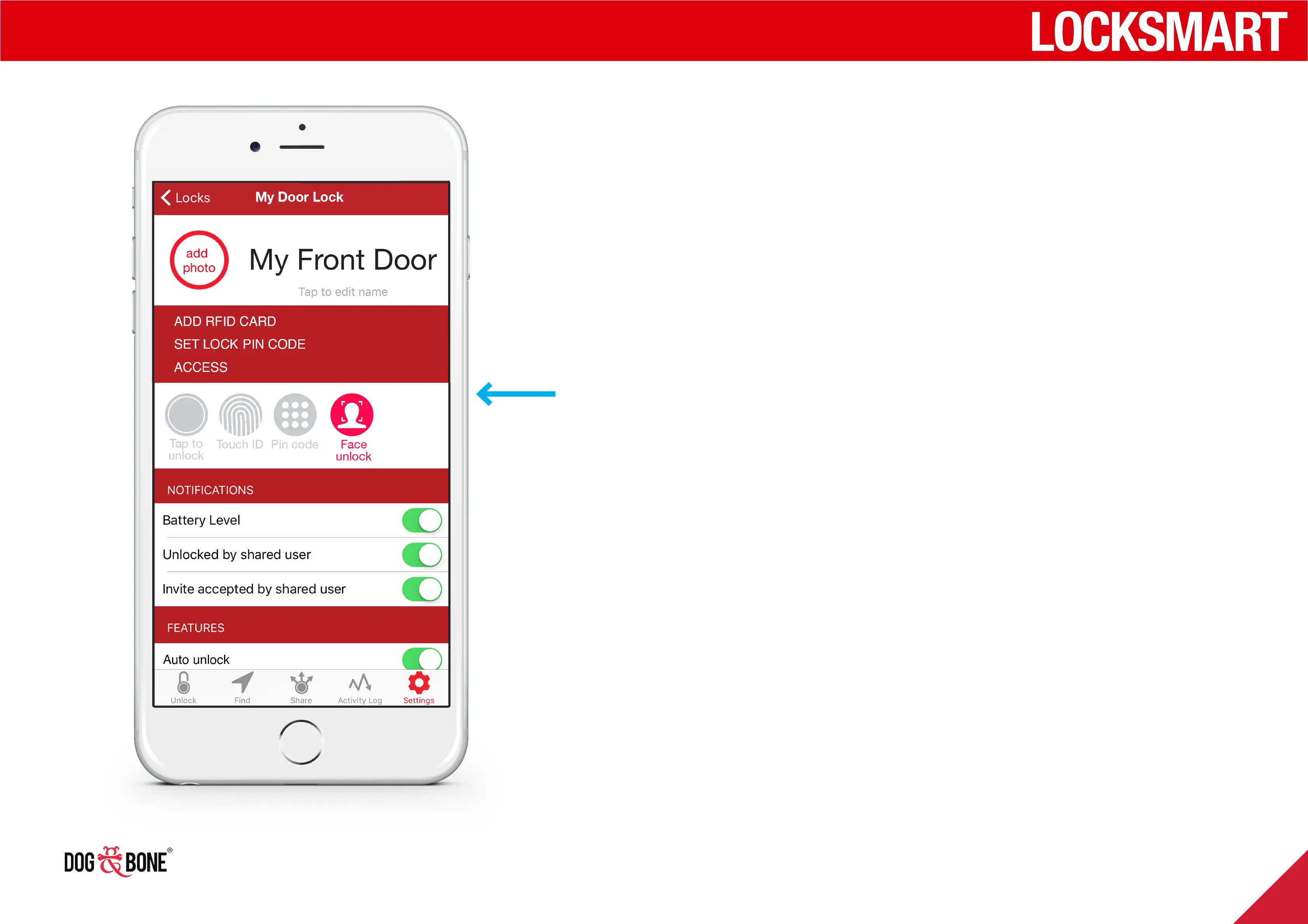
Face unlock
Available on compatible mobile devices
1. Ensure your device has been previously configured to enable
Face Unlock
2. Ensure you have already enabled Face Unlock authentication
from the settings menu for your lock
3. Ensure you have Bluetooth enabled and that the lock is within
5m of your device
4. Choose the lock from the lock list screen
5. When prompted for Face ID, position your face towards your
mobile screen camera to unlock the lock
Unlocking
14



 To Next Page