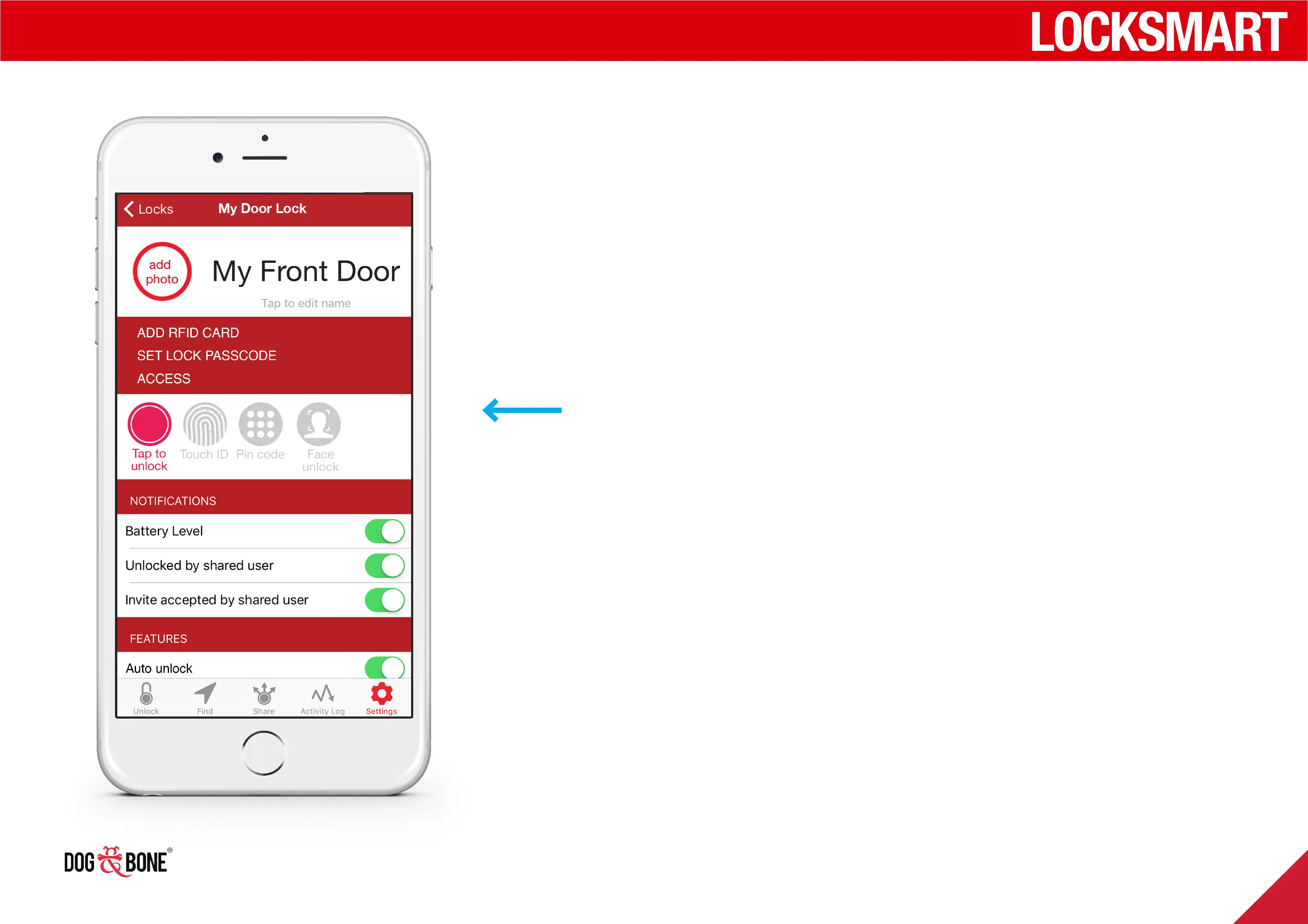
RFID
1. Before first use, pair RFID with lock by a) Selecting Add
RFID within settings menu for your lock followed by b)
Swiping card in front of lock keypad on prompt
2. Swipe the card on the front of the lock to unlock
NB To remove card, click the ‘X’ button
Unlocking
17



 To Next Page