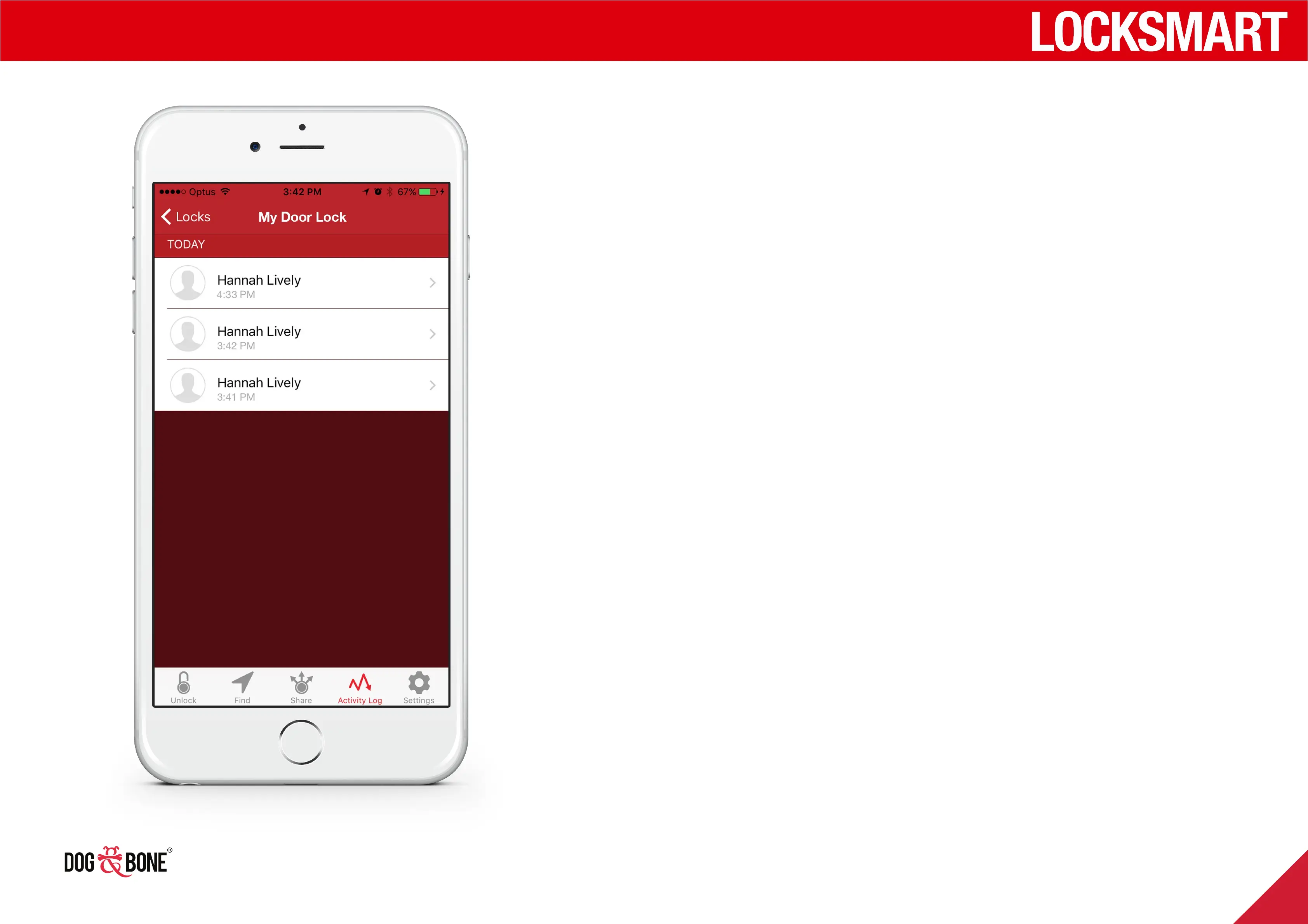
Activity log
1. Choose any lock from the lock list screen
2. Press the ‘Activity Log’ option from the bottom
menu of the unlock screen
3. This screen shows a list of unlock activities for any
time a shared user unlocks the lock (as described
in the Shared Lock Functionality section on page
22)
Finding and sharing
23



 To Next Page