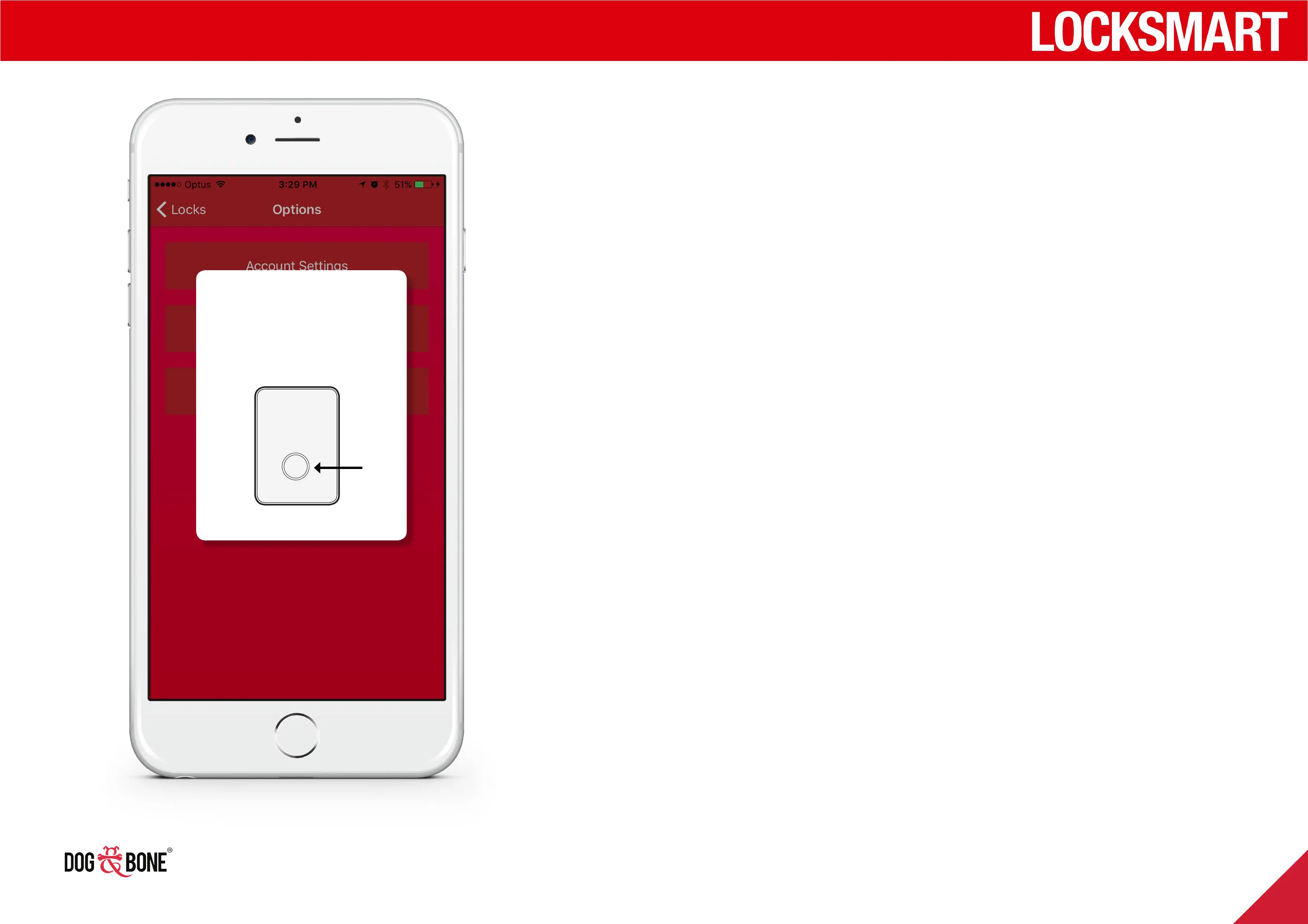
Setting up Wi-Fi Bridge
For Siri voice activation and other Wi-Fi features, you require
the Wi-fi Bridge (purchased separately to be paired to your
door lock).
1. Enable Wi-Fi bridge from the settings menu for your lock
2. Press and hold the button on the Wi-Fi bridge for 3
seconds
3. When prompted, enter your Wi-Fi details within the app
Press the button
on the Wi-Fi
Bridge wall unit
Getting started
10



 To Next Page