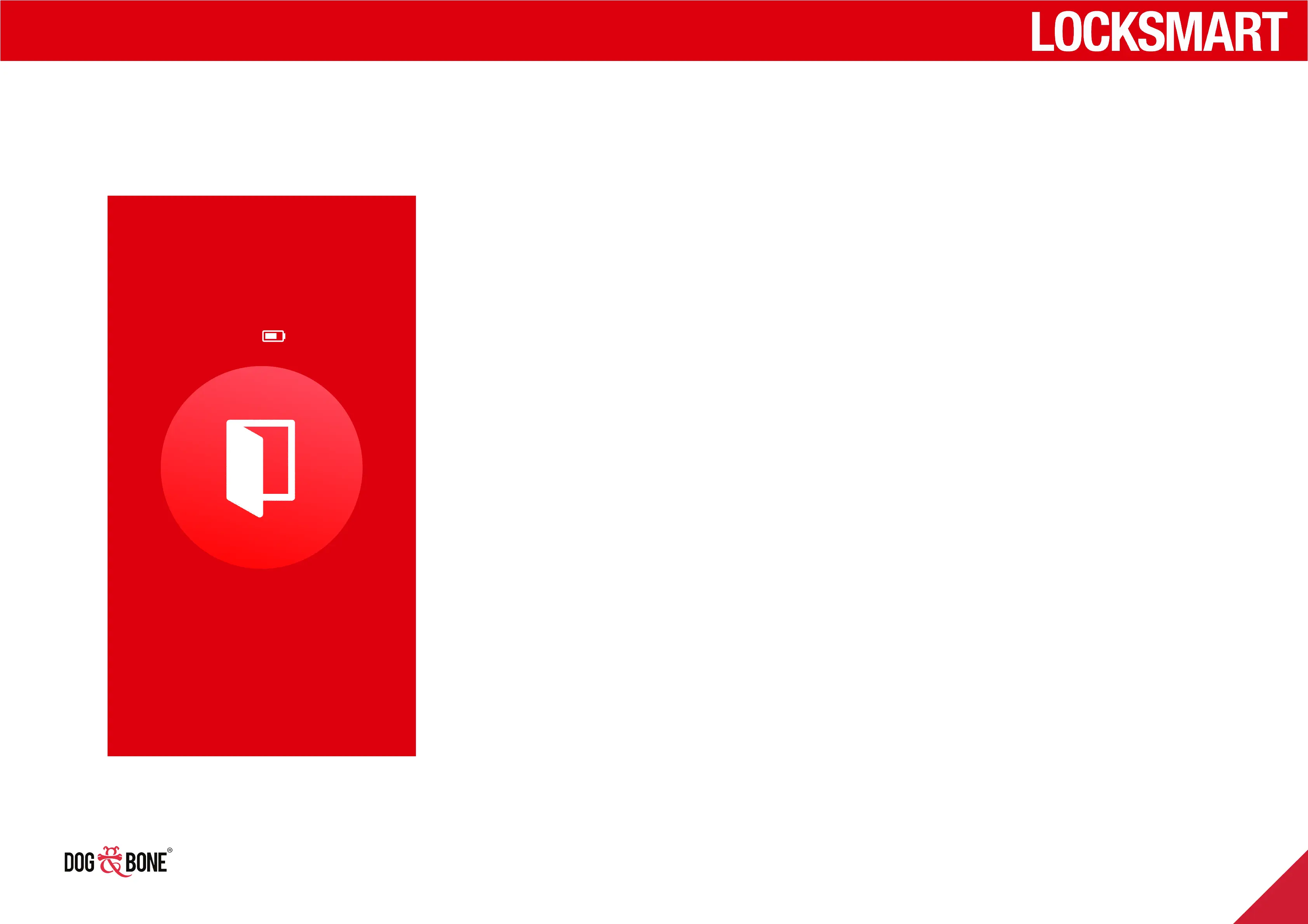
Battery percentage display
1. Choose any lock from the lock list screen
2. You will see the battery level percentage displayed at
the top of the screen for the lock
3. The battery level is updated every time the application
connects to direct to the lock. Having a shared user
access the lock will not update this display
Open
72%
My Front Door
Other features
31



 To Next Page