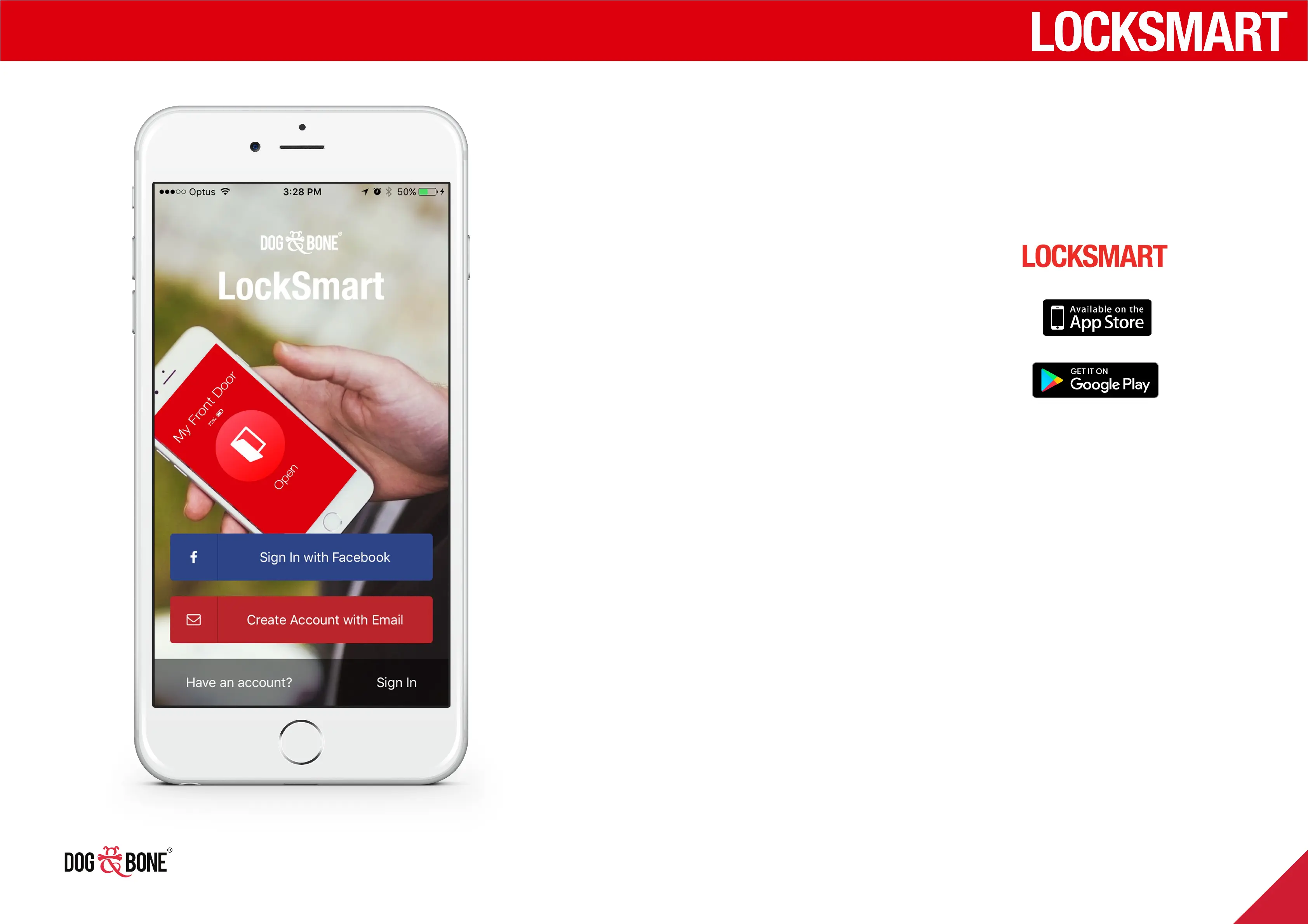
Downloading the LockSmart app
Sign in with Facebook
1. Open the App Store on your iOS
or Android device*
2. Go to search and type in
‘LockSmart’
3. Select LockSmart from the search
results and install the application
1. To log in with your Facebook account, press
‘Sign in with Facebook’
2. You will be asked to authorise your use of
Facebook to login via LockSmart
3. Once authorised, your LockSmart account
will be created using your Facebook account
information
* Compatible with iOS devices supporting Bluetooth 4.0 or higher
and running iOS 8.2 or later.
Compatible with Android devices supporting Bluetooth 4.0 or higher
and running Android 4.3 or later.
For best performance, please ensure your device is running the
latest version of the LockSmart software.
Getting started
6



 To Next Page